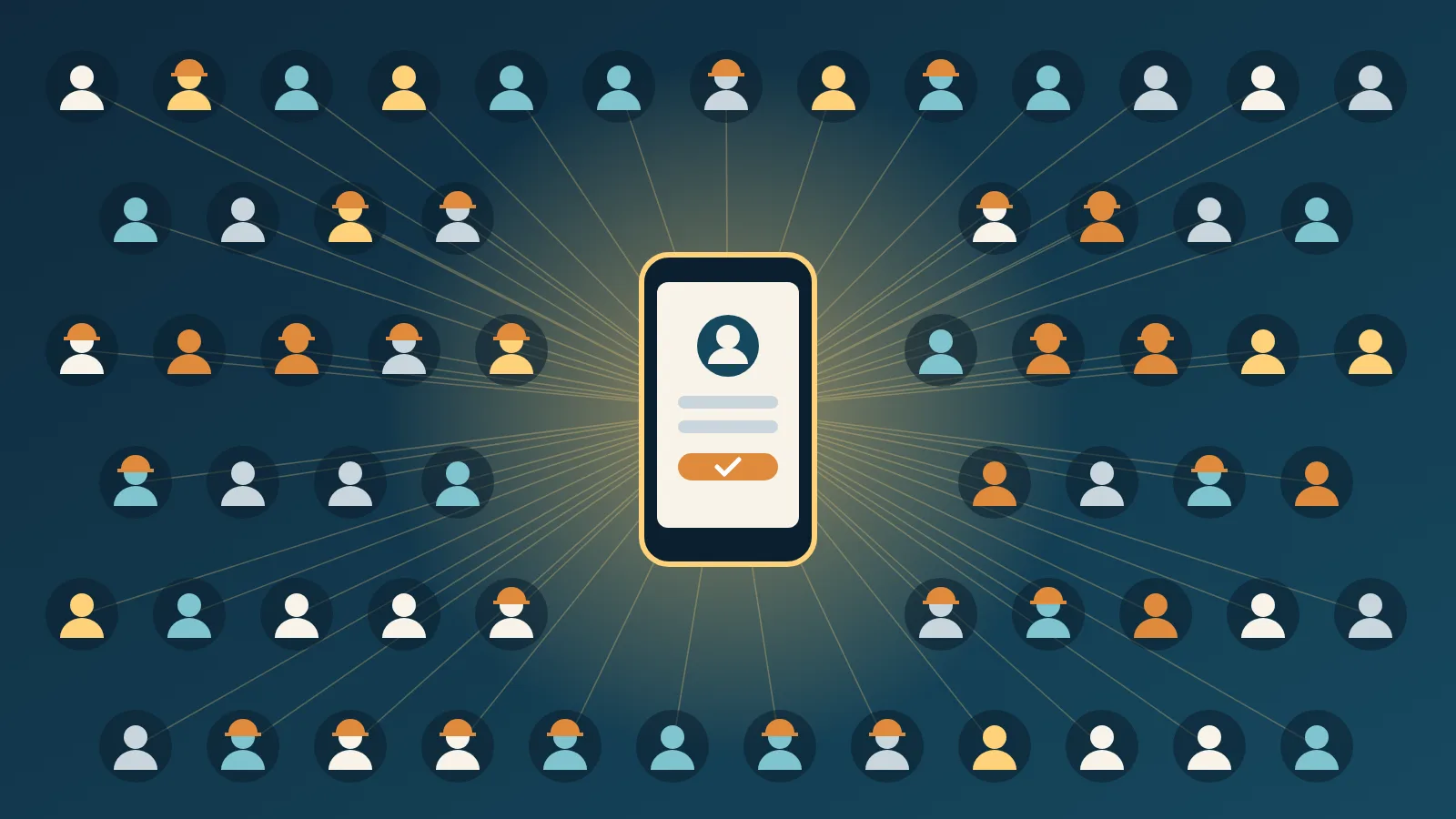
Ask an HR team how many employees their intranet reaches, and you often hear a number that sounds good: "everyone with an account". The trouble is the second half of that sentence. In many companies, a corporate account is something office staff get. The people on the shop floor, in the warehouse, on the road or on night shifts often have none. Retirees lost theirs on the day they left. And yet these are exactly the people HR and internal communications want to reach with benefits, news and services.
This post looks at why directory-based employee portals leave so many people out, and how appsolut ONE starts from a different place: the data HR already keeps about everyone.
Why the corporate directory is the wrong starting point
Most intranets and employee apps sign people in with the company's identity system. That makes sense for IT: one account per person, managed centrally, switched off when someone leaves. But the corporate directory was built to give people access to work tools, and its coverage follows from that.
Take Pannoniqa AG, a fictional manufacturer we use for examples. Of its 2,400 employees, around 900 work in offices and have a laptop, a mailbox and a directory account. The other 1,500 work in production, logistics and maintenance. Some share a terminal, many have no company device, and almost none have a mailbox. Add 1,100 retirees who still receive the company magazine and use the holiday homes, and a directory-based portal reaches roughly a quarter of the people Pannoniqa wants to reach.
Companies usually try one of three workarounds:
- Accounts for everyone. Licences, onboarding and password resets for 1,500 people who will use the account twice a year. The cost is real, and the IT security team is rarely happy about it.
- Shared or generic logins. One password on the canteen notice board. Nobody knows who is using the portal, and personal offers are impossible.
- Paper and lists. Benefits are announced on paper, and a colleague in HR checks eligibility by hand against an exported spreadsheet. It works, but it does not scale, and the spreadsheet is out of date the day after it is exported.
None of these is an employee portal for every employee.
Start from HR, not from IT
There is one system that knows every employee, whether or not they have a laptop: the HR system. It holds a personnel number, a name, a date of birth and an employment status for everyone on the payroll. Retirees and other groups are usually kept in lists of their own, often maintained by the works council or the pension department.
appsolut ONE builds on exactly that. In the Studio, the admin app of appsolut ONE, an organisation keeps its registers: the lists of people who may become members. Pannoniqa has three:
- "SAP HR", an external register. It stays in Pannoniqa's HR system and is asked live whenever someone needs to be checked, so nobody copies the payroll into another tool.
- "Retirees", an internal register kept in the Studio and updated by uploading a spreadsheet from the pension department.
- "Works council", a second internal register for the works council's own offers.
Each person is identified by a member code, which at Pannoniqa is simply the personnel number. The same person has the same member code in every register, so a retiree who used to work in production keeps the number they always had.
How a shop-floor employee will sign up
Instead of being issued an account, people will create their own, with Login with appsolut, the one sign-in for all of an organisation's websites and apps. The Studio side of it is built; the Pannoniqa Portal and the Pannoniqa App start signing people in with it in release 26.1.2. Here is what that will look like for Maria, a machine operator at Pannoniqa who has no company email address:
- She opens the Pannoniqa Portal on her own phone and signs up with her private email address. A verification code confirms that the address is hers.
- On the "Confirm your membership" screen she enters her member code, her name and her date of birth.
- The Studio checks these facts against the registers. Maria is found in "SAP HR" as an active employee, so she becomes a member.
That is all. Maria will then have an account she manages herself, on a device she already owns. She will never need a company mailbox or a licence, and nobody in IT has to do anything. Where an organisation wants more certainty than personnel number and birth date, it can also send each person a challenge code by letter, which they enter once during sign-up.
The same account will work for every website and app Pannoniqa connects to the Studio, such as the mobile "Pannoniqa App". Maria signs in once and is recognised everywhere.
What happens when people change or leave
A portal for everyone also has to forget people at the right moment. Because the HR system stays the source, this happens without anybody maintaining a second list.
Once the frontends sign people in with Login with appsolut, the Studio checks a member again each time they sign in. When someone leaves Pannoniqa and disappears from "SAP HR", their next sign-in will no longer make them a member, and they lose access to what is reserved for employees. When someone retires and the pension department adds them to "Retirees", they keep their account and their member code, and simply see what Pannoniqa offers its retirees. If the HR system is briefly unavailable, members who were checked in the last seven days keep signing in on their last result, so a maintenance window does not lock out the whole workforce.
Privacy by design, not as an afterthought
For HR and the works council, the most important question is usually what happens to the data. appsolut ONE answers it in a few clear rules:
- The facts a person types in to prove who they are are compared and never stored. The Studio keeps a log of every check, with the outcome and the register that answered, but not the submitted facts.
- Member data from an external register, such as the date of birth, is read live from that register when a website or app needs it, and is not copied into the Studio.
- The sign-in screens carry the organisation's own logo, colour and legal links, so employees always know whose service they are using.
What this changes for HR and internal communications
When every employee can sign in, the employee portal stops being an office tool. Benefits, travel offers and news reach the people who were hardest to reach before, and HR can finally see who uses what instead of guessing from printed flyers. Communication gets a single place to point to, and IT no longer carries the cost of accounts that exist only to read the canteen menu.
If you are planning an employee portal, three questions decide most of the design:
- Which systems already know all the people you want to reach?
- Which groups should see which offers?
- Which websites and apps should share one sign-in?
The Studio documentation shows how these answers become registers, communities and frontends in appsolut ONE.