Records and Taxonomies
Keep travels, benefits and posts up to date, and file them under the Taxonomies that gather them.
Licence: Travelling (travelling) for Travels and their Taxonomies, Benefits (benefits) for Benefits and theirs, Content Management (content-management) for Posts and Post Categories.
Backend Roles: every Portal editor.
Most of a Portal's content is Records and Taxonomies:
| Records, each with its own page | Taxonomies, whose pages gather Records | |
|---|---|---|
| Travelling | Travels | Destinations, Travel Topics, Hotels |
| Benefits | Benefits | Benefit Types, Benefit Topics |
| Content Management | Posts | Post Categories |
Some lists only supply data and have no pages of their own, such as Amenities, Badges, Classifications, Trip Types, Room Types and Benefit Variants. Catalogs gather Travels too; see Catalogs and Seasons.
Edit a Record
A Record's edit view has tabs like a page's: "Hero", "Descriptions", "Page Content" and "SEO", plus the tabs of its kind.
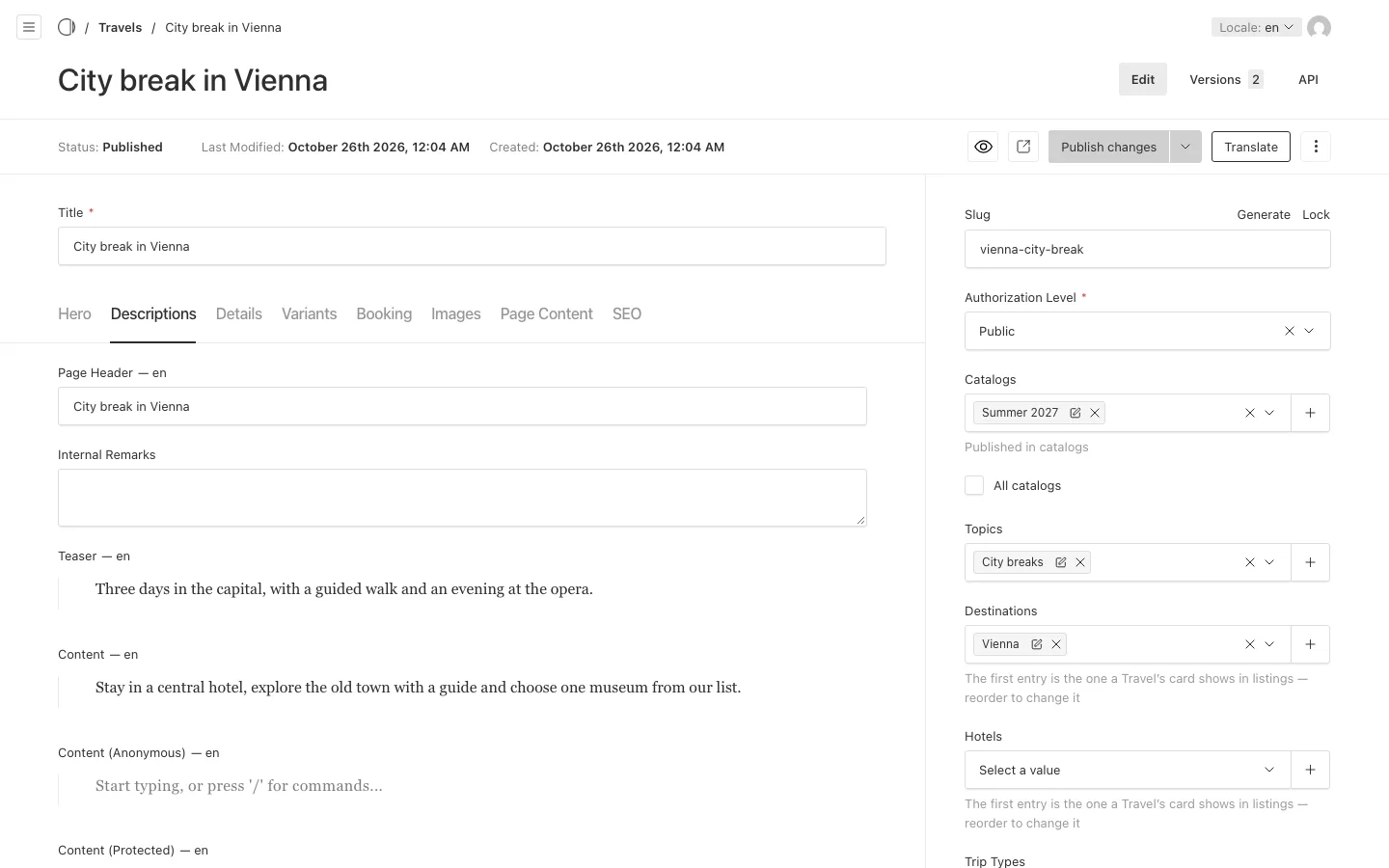
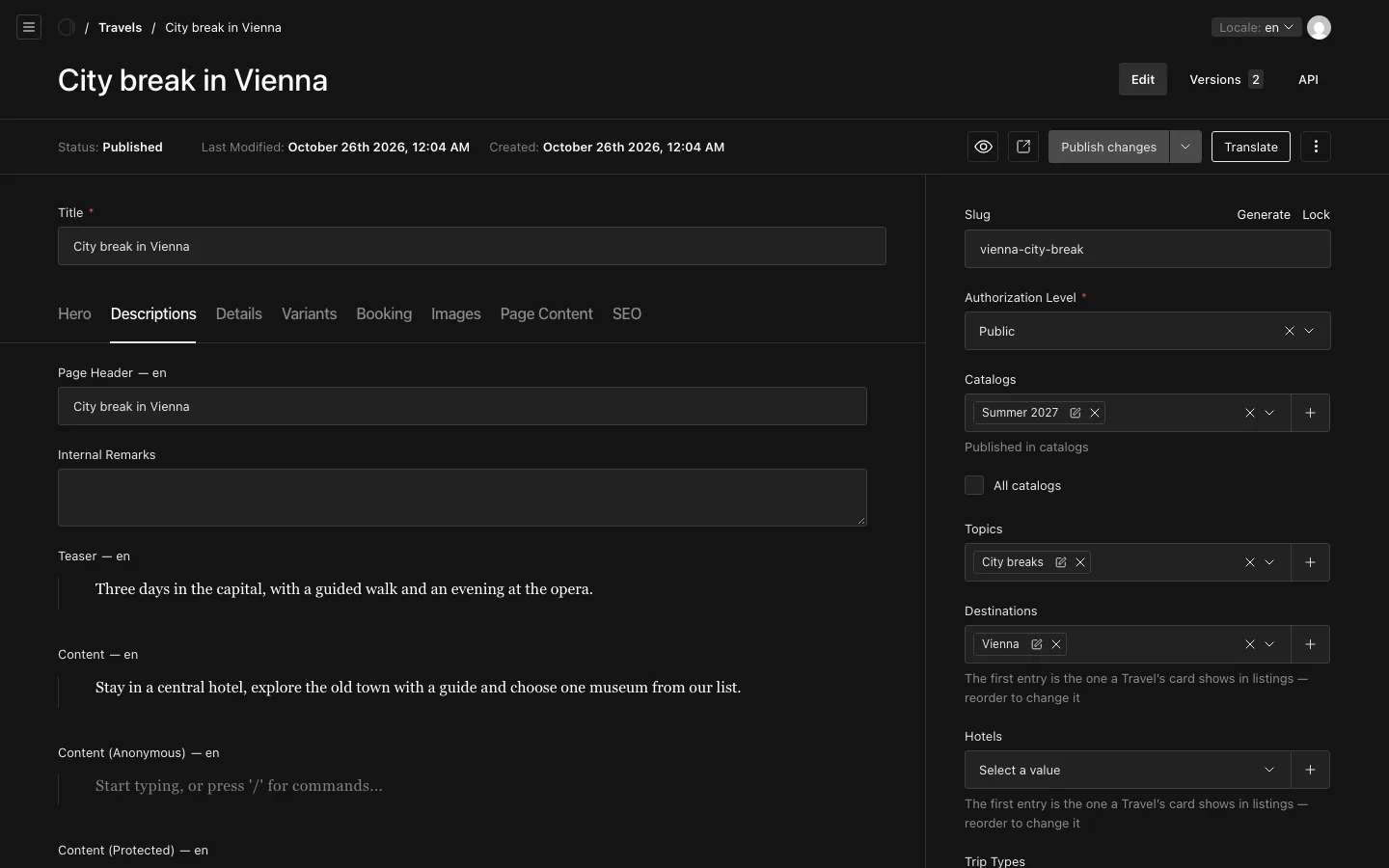
- Travels add "Details", "Variants" (the room types and their prices), "Booking" and "Images". A Travel's price can be a figure, a special price beside the ordinary one, or a wording; a price of 0 shows no price at all. A Travel also has an off-season copy of its texts, details, variants and images, each behind its own checkbox, which applies in an off-season Catalog.
- Benefits add "Details" (the "Type of Voucher", its value and the voucher codes), "Variants", "Redemption" and "Images". On "Redemption" you choose how a member redeems the benefit: "Display" shows the code on screen, "Website" links to the partner, "Email" sends the partner a message. A Benefit with none of them, or none filled in, shows no Redeem button.
- Posts carry their article and their Post Categories.
The "Descriptions" tab of Travels and Benefits also has "Content (Anonymous)": the text visitors who are not signed in read in place of "Content (Protected)".
File a Record under a Taxonomy
You file a Record on the Record itself, in its sidebar: a Travel names its "Catalogs", "Topics", "Destinations" and "Hotels"; a Benefit names its "Benefit Type" and "Benefit Topic". The first Destination and the first Hotel are the ones the Travel's card shows in lists, so drag them into the order you want.
A Taxonomy's page lists the Records filed directly under it. A Benefit filed under a sub-topic is not listed on the parent topic's page.
On a Taxonomy, the "Listing" tab shows the Records that name it. You can create a new Record from there, and it arrives already filed under that Taxonomy. To move an existing Record, change it on the Record.
Order in lists
- "Featured" marks a document as promoted: it leads every list it appears in and shows a star.
- "Weighting", from 0 to 100, ranks Taxonomies against each other, highest first. Visitors know this order as "Recommended". Records have no weighting: they are ordered by their date, title or price.
Authorization Level
Travels, Benefits, Posts and Pages have an "Authorization Level" that decides who sees them on the Portal: "Public", "Authenticated", "Community Member" or "Team". Taxonomies have none: a page that gathers content is always public.