Sign in and Backend Roles
Sign in to the Portal's admin, and what each Backend Role may change.
Backend Roles: every Portal editor.
You sign in to the Portal's admin with your email address and the password of your Portal account. This account belongs to this one Portal: it is not a Studio account and not a frontend user account, and it does not sign you in to the Portal's public pages as a member.
Sign in
- Open the admin at
/adminon your Portal's address. - Enter your "Email" and "Password".
- Choose "Login".
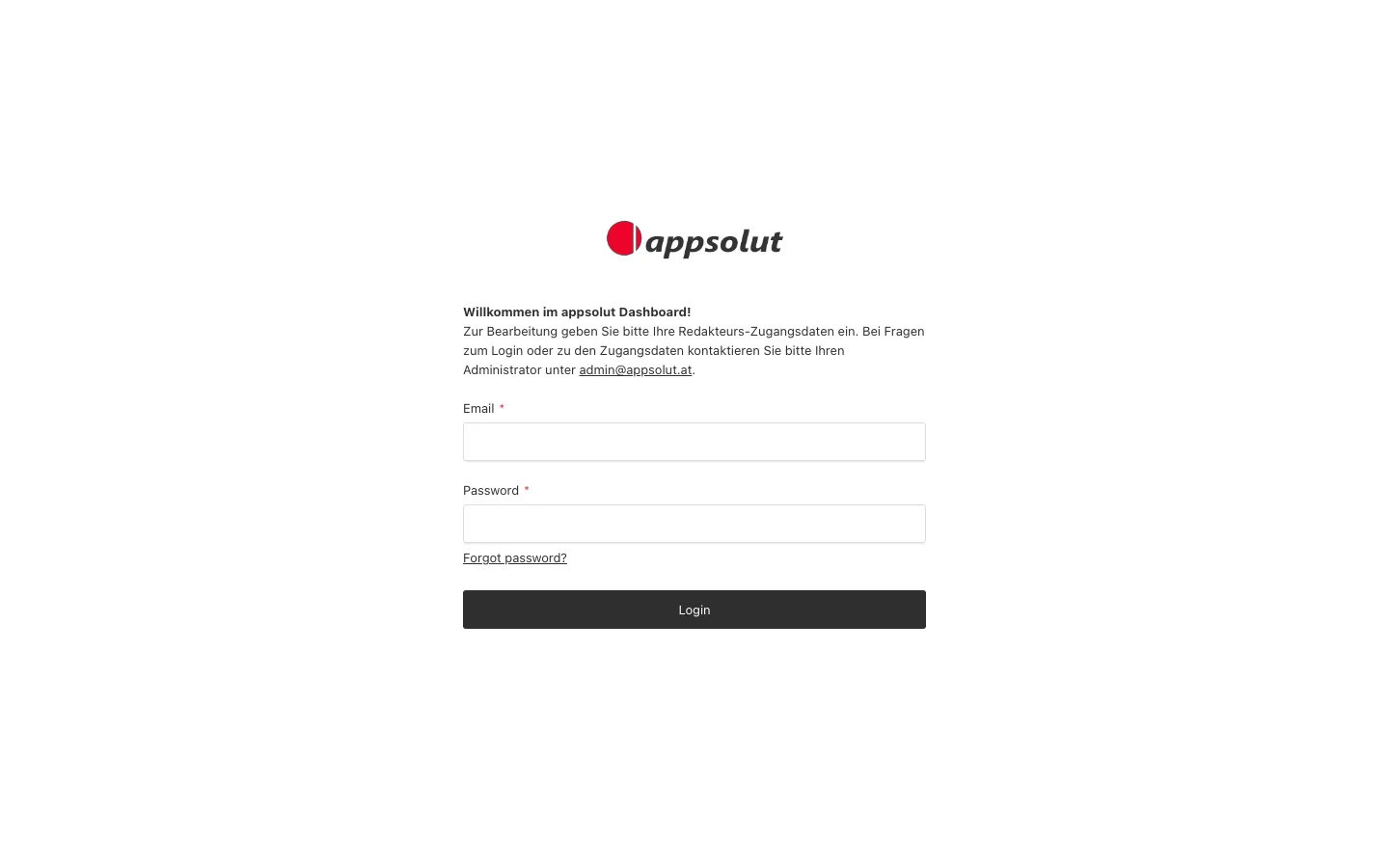
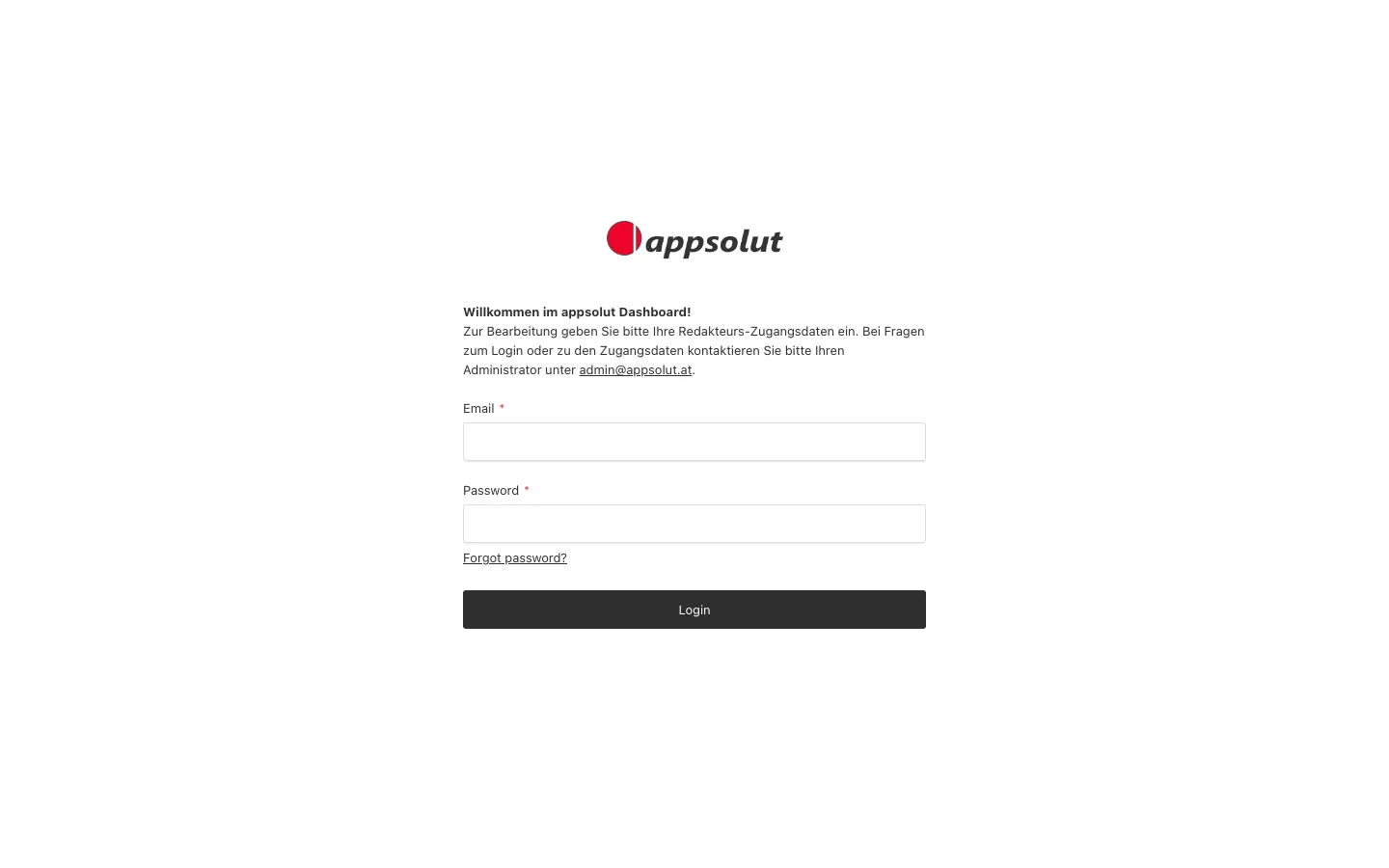
The admin opens on its dashboard. If you forgot your password, choose "Forgot password?" and follow the link in the email you receive.
How you get an account
Accounts for the admin are created by invitation only: there is no sign-up. A Portal editor with the Backend Role admin creates your account under "Users" (see The Portal's users). On a new Portal with no users yet, the first account created becomes its admin.
Backend Roles
Your Backend Role decides what you may change besides content. Every Portal comes with the same three:
| Backend Role | Described in the admin as | May also |
|---|---|---|
| editor | "Can create and edit content" | Change their own name and password, delete their own account |
| manager | "Can manage content, users and redirects" | See and edit every user, choose the Portal's Palette, Favicon and Card Placeholder, manage redirects |
| admin | "Full access to all features" | Create users and give them a Backend Role, delete users, manage roles and backups, delete booking requests, redemptions and membership enquiries, see the Portal's Licences |
Content is not divided by role. Every Portal editor, whatever their Backend Role, may create, edit and publish every page, travel, benefit and image, and edit the Header, the Footer and the Configurations. The exceptions are the Portal's own furniture: the Palette, the Favicon, the Card Placeholder and the Redirects need the Backend Role manager or admin. Who edits what content is agreed in your team, not configured in the admin.
A new user gets the Backend Role editor unless an admin chooses another one. Only an admin can change a user's "Backend Role". A user without any Backend Role cannot open the admin.
Signed in to the admin, on the Portal
While you are signed in to the admin, you also see the Portal's public pages with everything on them, including content marked "Community Member" or "Team" and the protected content of a page. To see a page as a visitor who is not signed in sees it, open it in a private browser window.