Site settings
The Header, the Footer and the Portal's Configuration: menus, logo, palette, favicon and company details.
Backend Roles: every Portal editor; the "Palette", the "Favicon" and the "Card Placeholder" need the Backend Role manager or admin, and the Backend Role editor does not see them.
The settings that frame every page are under "Portal" in the admin: the Header, the Footer and the Configuration. They have no drafts: what you save is live at once.
Header
The Header is the bar at the top of every page.
- "Design Version" chooses how the header looks, for example "A001 (floating pill, overlays the hero)".
- "Logo" is the logo the header shows, and "Search Enabled" shows the search.
- "Items" are the menu: links, and sub navigation menus with their own items. Each item has an "Authorization Level", so a menu item for members is shown to members only.
- "Buttons" are the call-to-action buttons beside the menu.
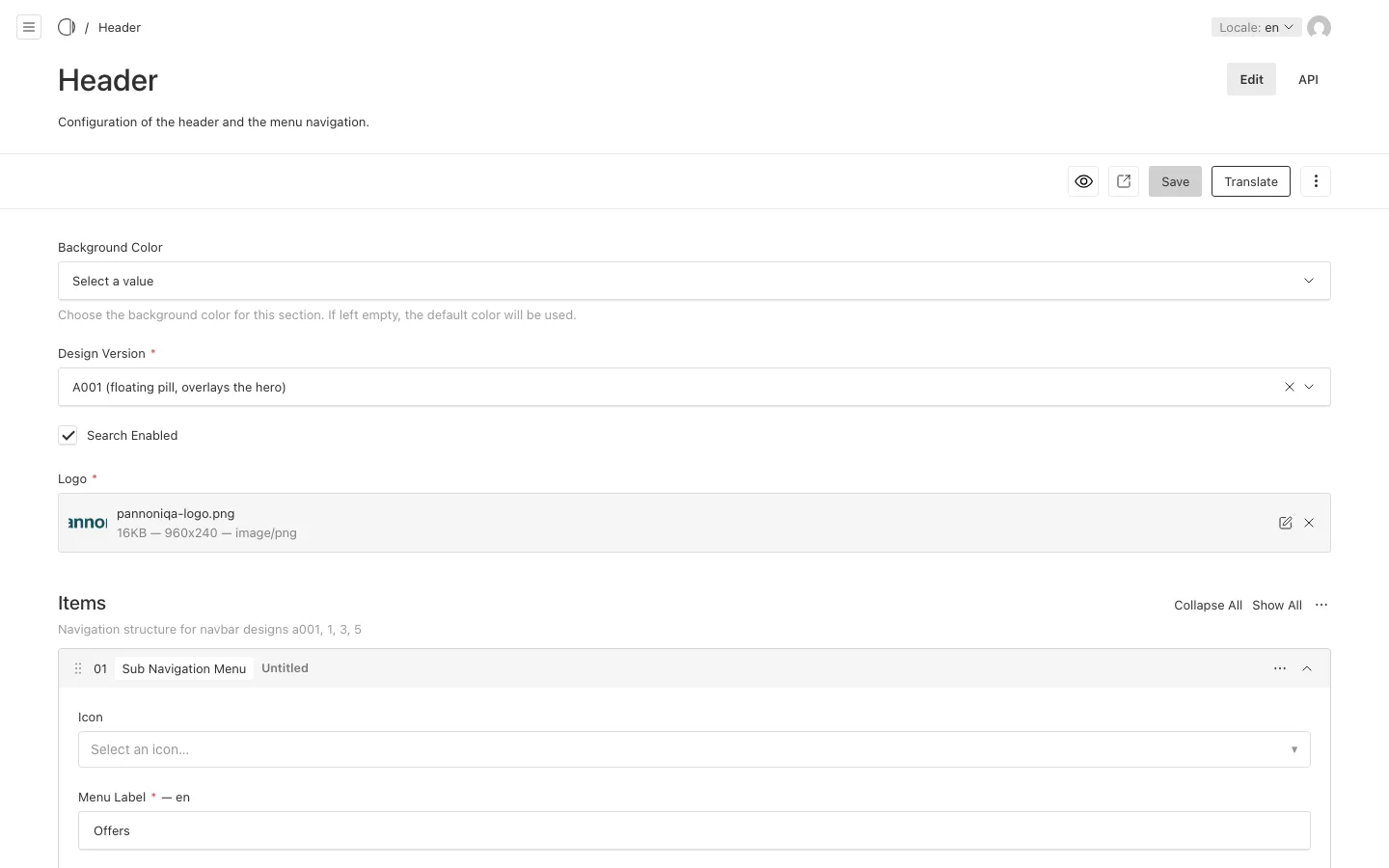
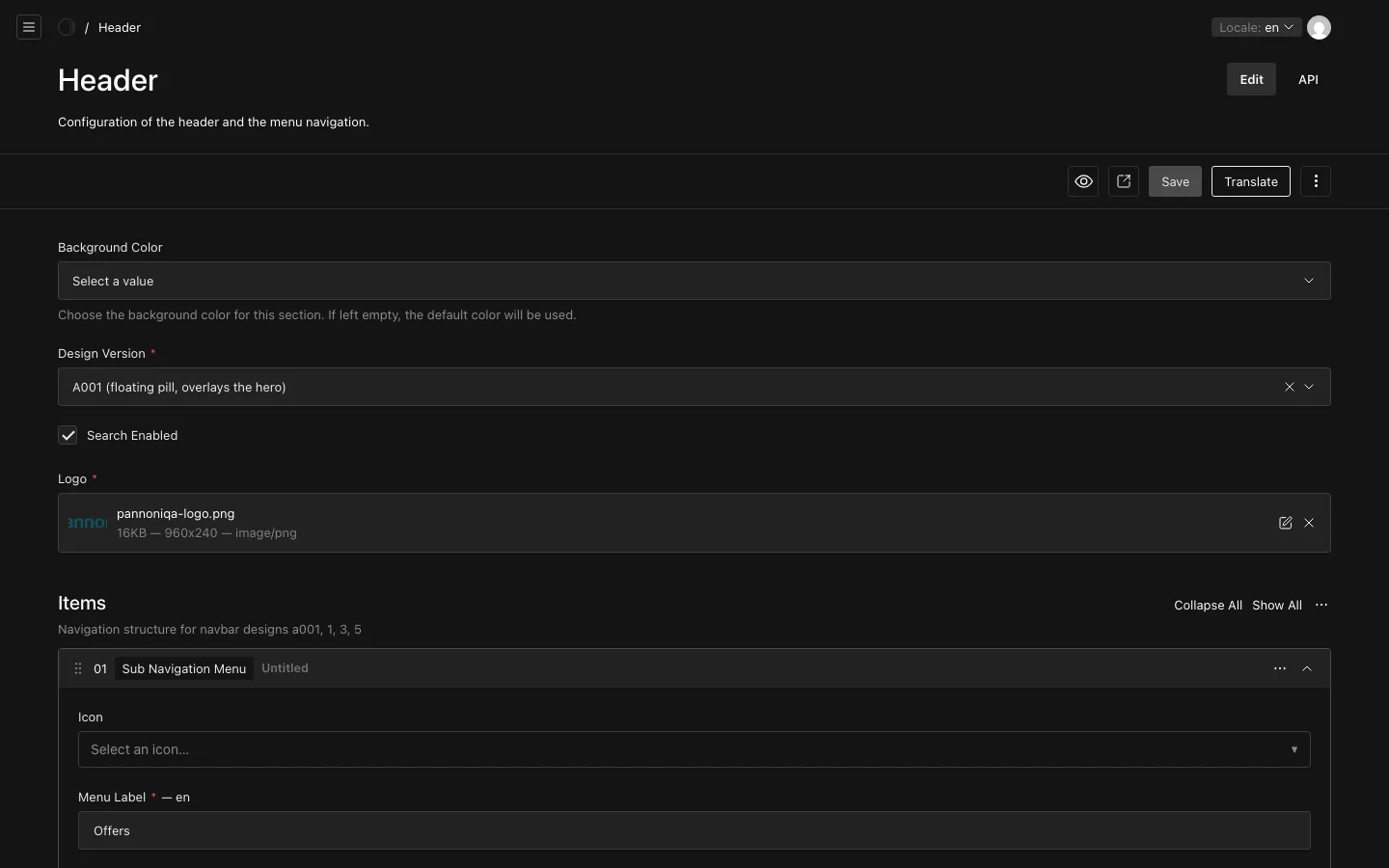
Menu labels are translated: switch the "Locale" to edit them in each language (see Translations).
Footer
The Footer is the end of every page: its design, its logo, its link groups, the "Legal Links" such as the imprint and the privacy policy, and the "Social Media Links". Its items have an "Authorization Level" too. Some footer designs also offer a newsletter sign-up.
Configuration
The Portal's "Configuration" has these tabs:
- "Company": the "Company Name" and contact details, such as "Phone", "Email" and "Website", that pages and emails show.
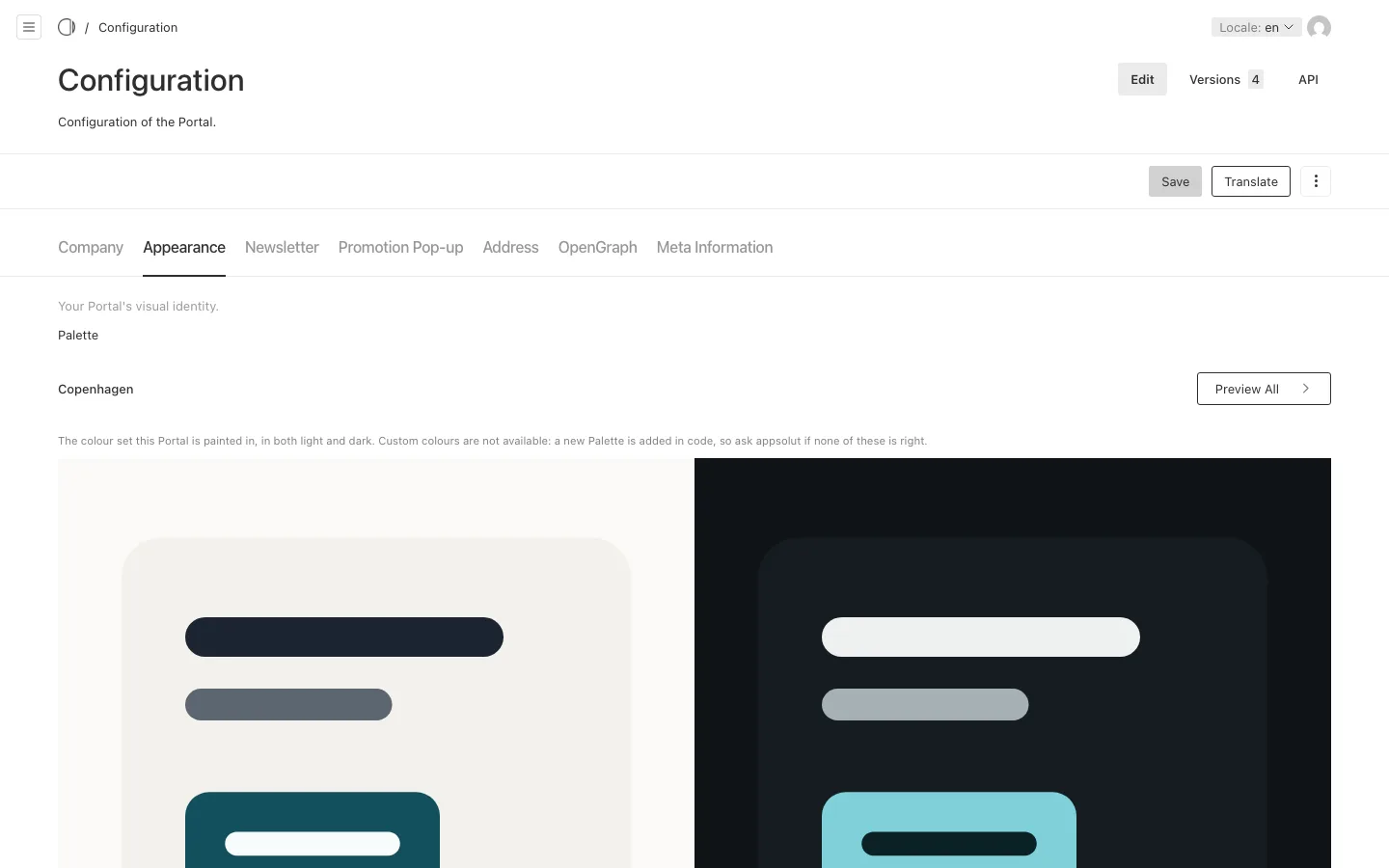
- "Appearance": the "Palette", the "Favicon" and the "Card Placeholder", the picture a card in a list shows when its document has no header image and no hero image. Only the Backend Roles manager and admin see and change them.
- "Newsletter": the "Confirmation Page" for a newsletter with confirmation on the Portal.
- "Promotion Pop-up": one announcement for the whole Portal, with title, image, teaser, content and buttons. A page shows it when its hero asks for it.
- "Address", "OpenGraph" and "Meta Information": the postal address, the picture for shared links, and the default texts for search engines.
Palette
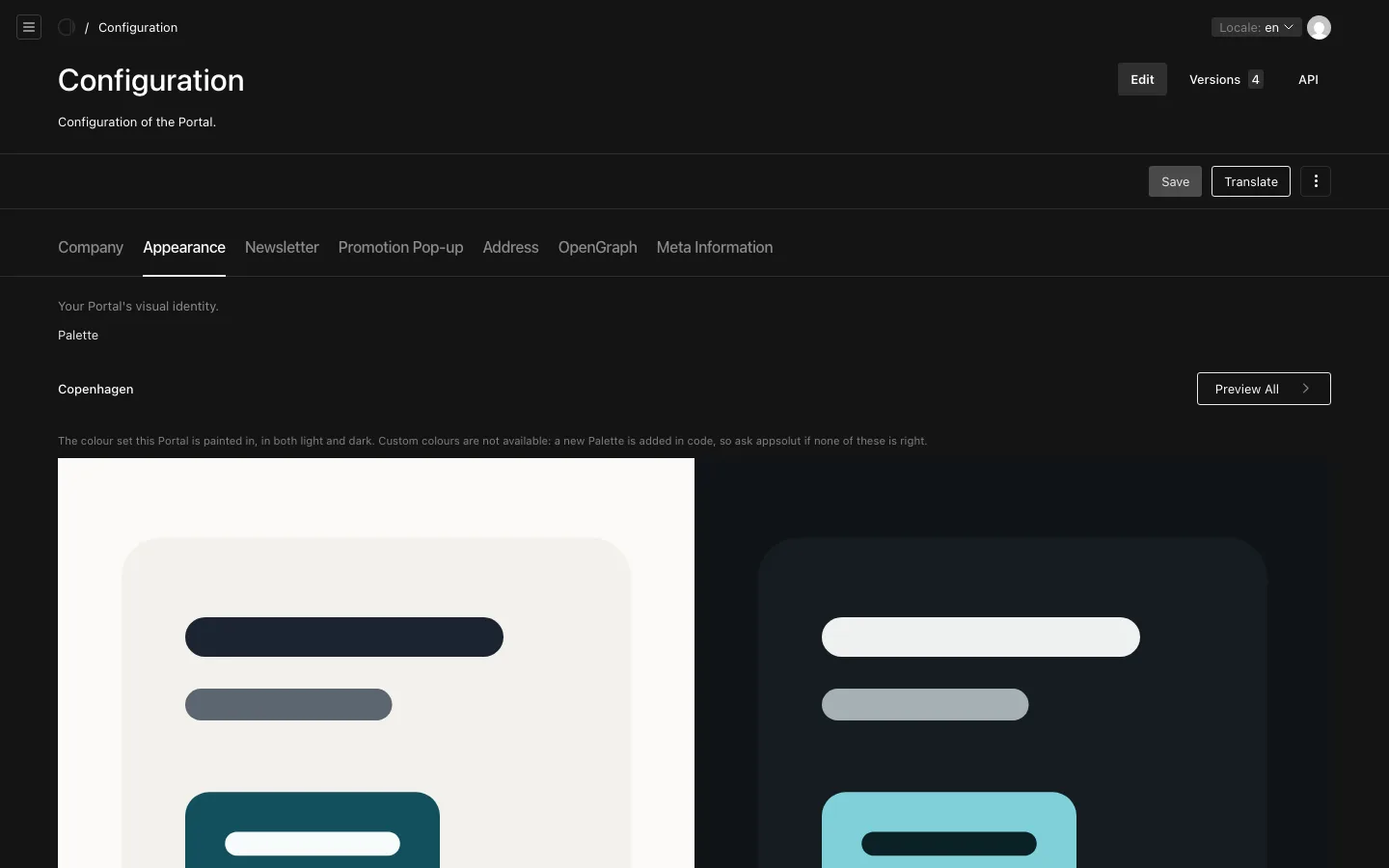
The Palette is the set of colours the whole Portal is painted in, in light and in dark. You choose one of a fixed set, named after European cities, such as "Vienna" or "Copenhagen"; "Preview All" shows them side by side. Custom colours are not available: a new palette is added by appsolut.
Visitors choose light or dark themselves, or follow their device; every palette has both.
Favicon
The Favicon is the small icon the browser shows in the tab: a square PNG or SVG, best at 32×32 pixels or larger. To change it later, choose a different image and save; uploading a new file over the image already chosen leaves the old icon showing. Left empty, the Portal keeps the icon it was set up with.
The Configuration of each section
Benefits, Travelling, Content Management, Member Shop and Membership each have a "Configuration" of their own, in their group of the menu. It holds that section's default Layout Templates, its texts for search engines and shared links, and for the services the addresses of the desks and the wording of the workflows (see Booking Requests, Redemptions and Membership Enquiries).