Translations
Edit the Portal's content in each of its languages.
Backend Roles: every Portal editor.
A Portal has one or more languages, set when it is set up; the Pannoniqa Portal has English and German. One of them is the default language, served without a language prefix: /travels/vienna-city-break in English, /de/reisen/vienna-city-break in German.
Choose the language you edit
The selector at the top right of the admin, "Locale", decides which language you edit. Fields that are translated show the language beside their label, for example "Page Header — en". Switch to "de" and the same document shows its German texts.
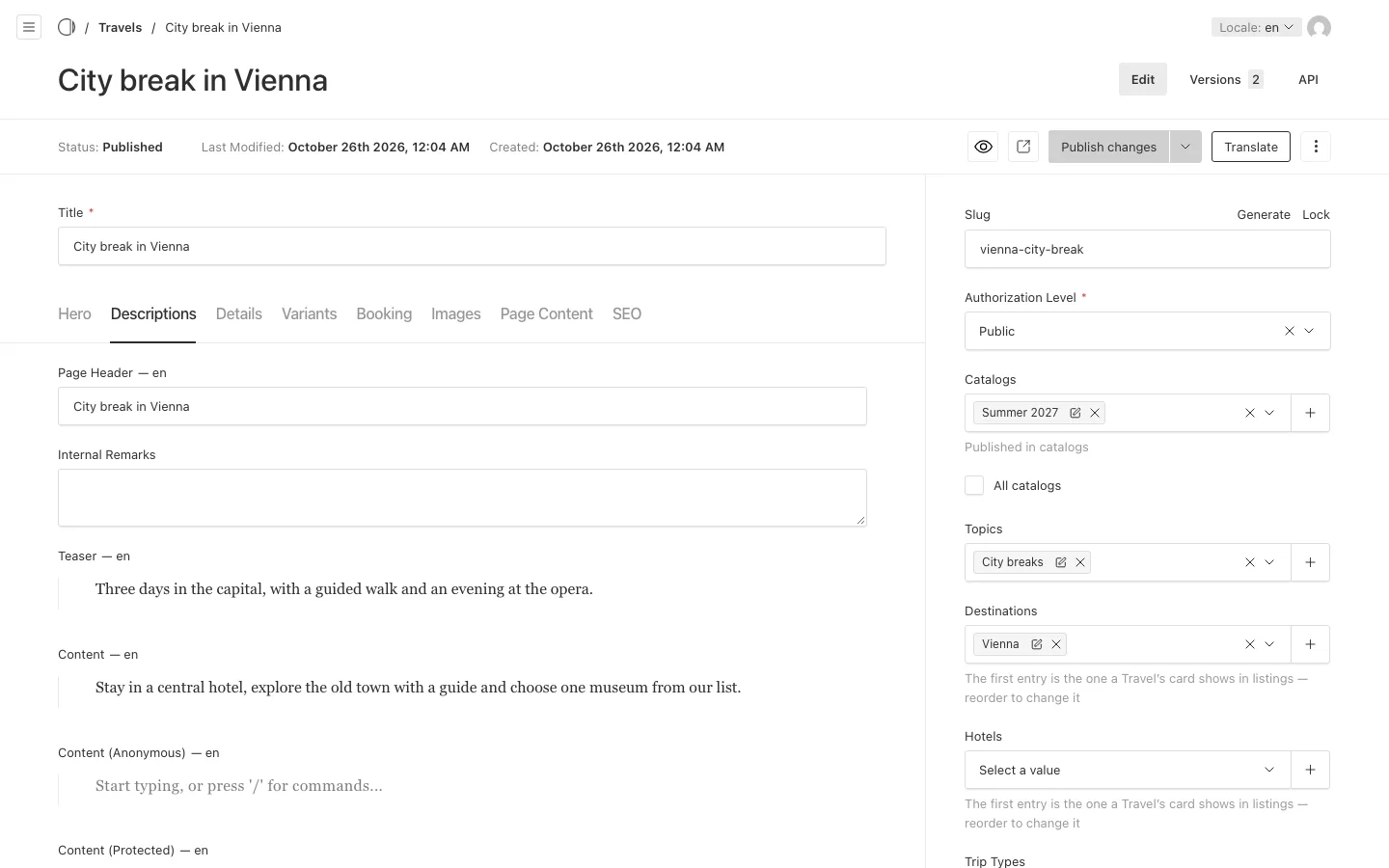
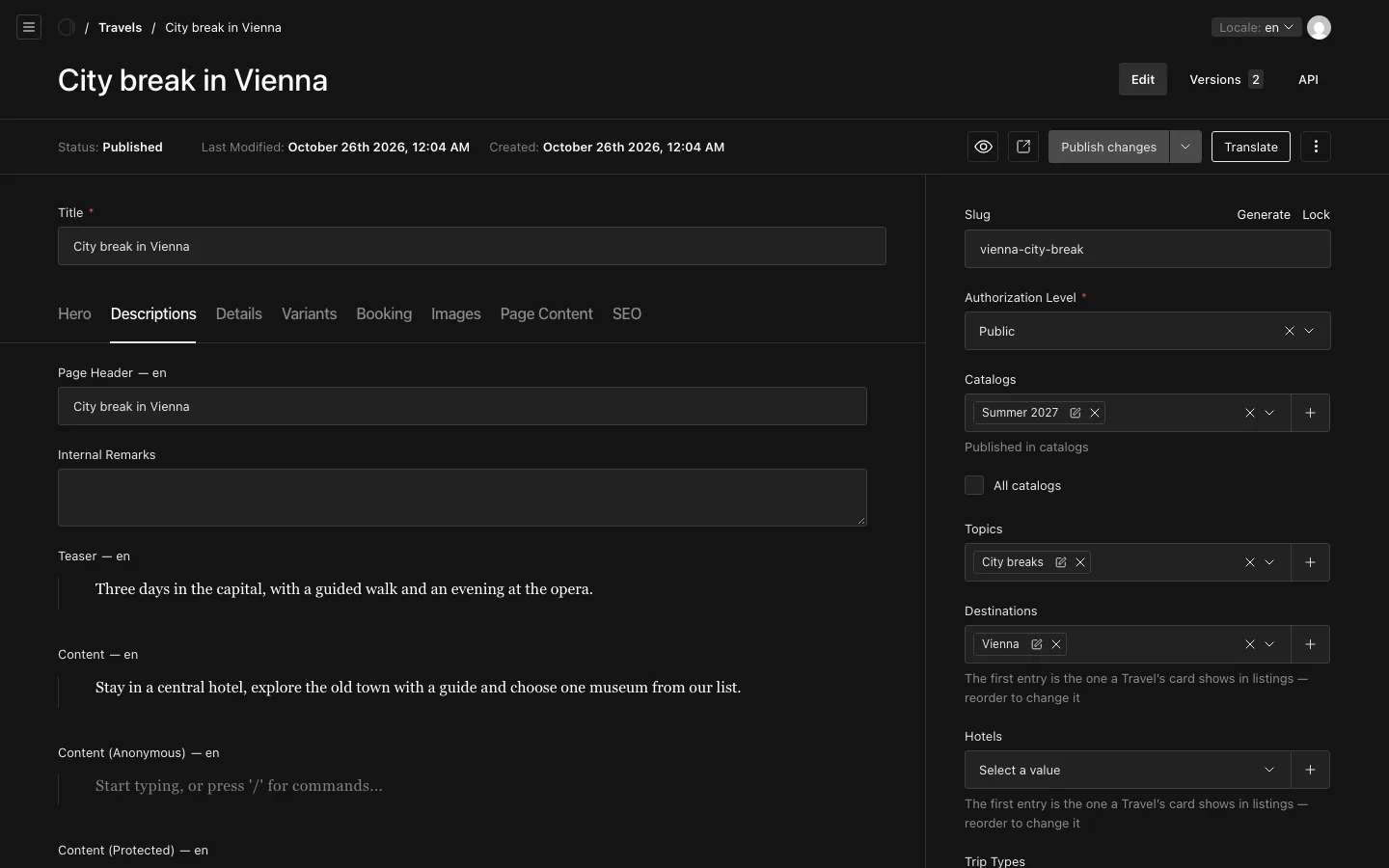
The admin's own buttons and labels follow your browser's language. That is separate from the language you edit: you can edit the German texts in an English admin.
What is translated, and what is shared
- Translated: the texts visitors read, such as the "Page Header", the "Teaser", the "Content", the texts inside Layout Blocks, menu labels and SEO texts.
- Shared by all languages: the "Title", the "Slug", images, prices and dates, and the structure of the layout. Add, move or remove a Layout Block in one language, and it changes in every language; only its texts differ.
A text you have not translated yet falls back to the default language, so a visitor never sees an empty field.
Translate a document
- Open the document and choose the language to translate into with "Locale".
- Write the texts in that language, or choose "Translate" to fill them with a machine translation from another language.
- Check every text, then publish (see Drafts, publishing and preview). "Publish in" publishes this language alone.
"Translate" is available only where appsolut has set up a translation service for your Portal. Read the machine translation before you publish it: it does not know your organisation's terms.