The Portal's users
Invite Portal editors to the admin, give them a Backend Role, and remove them.
Backend Roles: the Backend Role admin creates users, changes their Backend Role and deletes them; the Backend Role manager sees and edits every user; everyone edits their own name and password and can delete their own account.
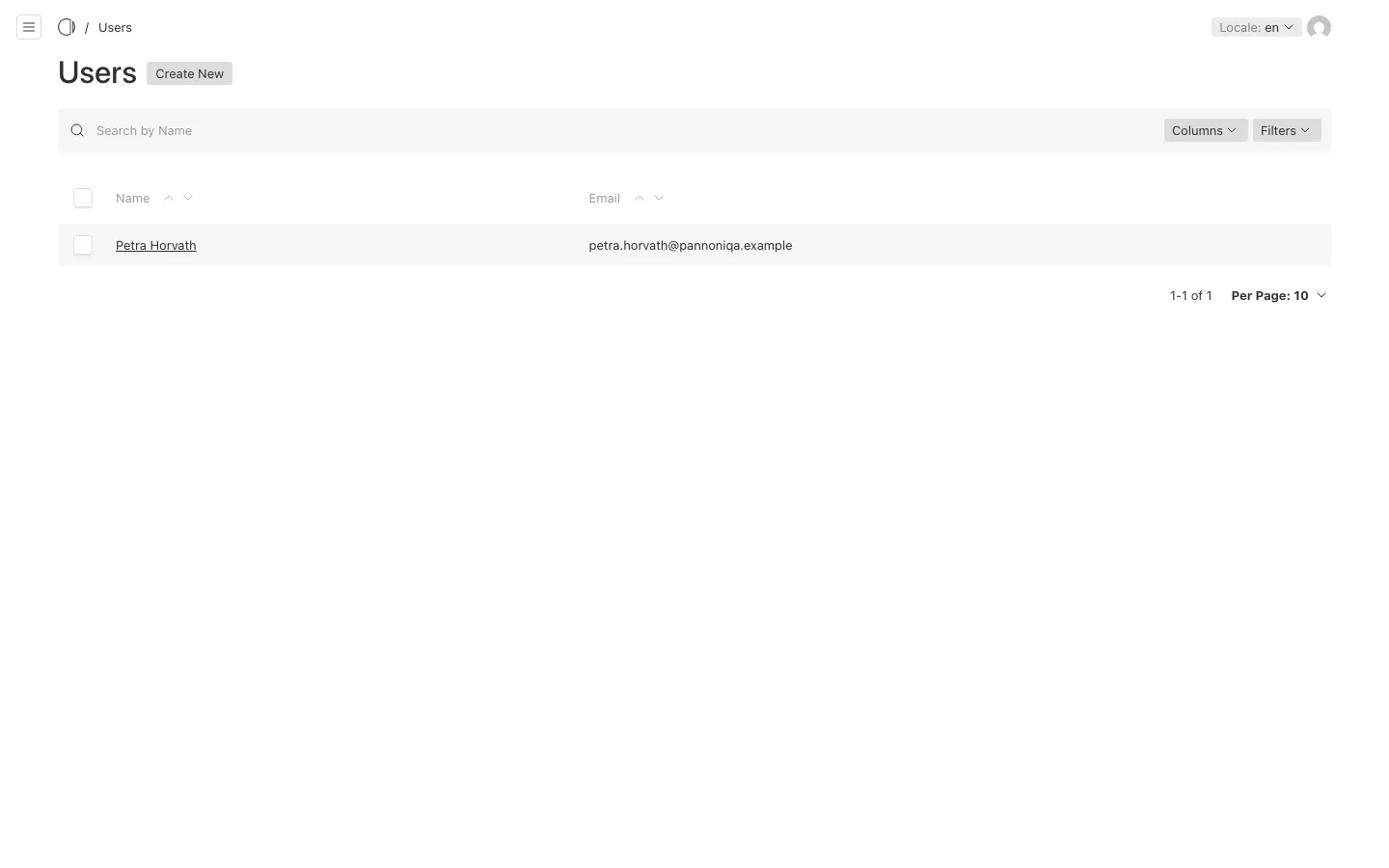
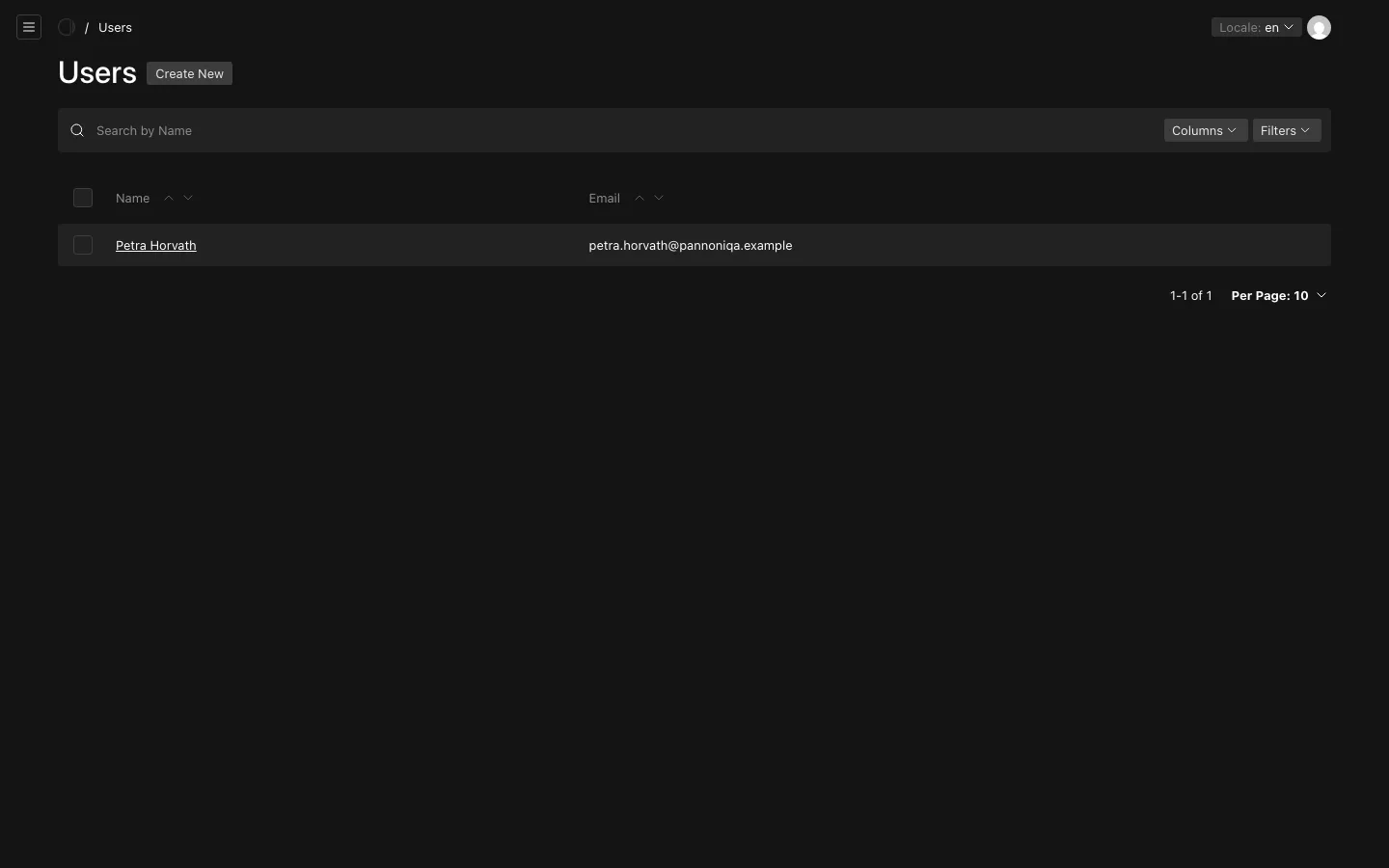
The Portal's own users are its Portal editors: the people who sign in to the admin. They are under "Portal", "Users". The people who use the Portal's pages are not here: they are frontend users of your organisation, not accounts of the Portal's admin.
Invite a Portal editor
- Open "Users" and choose "Create New".
- Enter the person's email address, a name and a first password.
- Under "Backend Role", choose the Backend Role editor, manager or admin (see Sign in and Backend Roles).
- Choose "Save".
Give the person their email address and first password by a safe channel, and ask them to change the password after they first sign in. The email address of a user cannot be changed later; create a new user instead.
A user created without a Backend Role gets the Backend Role editor. Only users holding a Backend Role can open the admin.
Change a Backend Role
Open the user, choose another "Backend Role" and save.
Remove a Portal editor
Open the user and delete them. Their content stays: pages and travels do not belong to the person who wrote them.
Roles
Only the Backend Role admin sees "Roles". It lists the three Backend Roles, admin, manager and editor, with their descriptions. What each of them may do is built into the Portal and matched by the role's slug, not set here.
An admin can rename, re-slug, delete or add a role here, but should not: the permissions do not follow. A role whose slug changes, or that is deleted, silently takes every right away from the users who hold it, and a new role gives no rights at all.