Portal in the Studio
What a Studio user sets up in the Studio so that people can sign in to the Portal.
In the Studio, your organisation decides who its members are and which of its apps they may use. The Community Portal is one of these apps: in the Studio it is a frontend, like a mobile app or any other website your organisation connects.
As a Studio user, you do three things for the Portal:
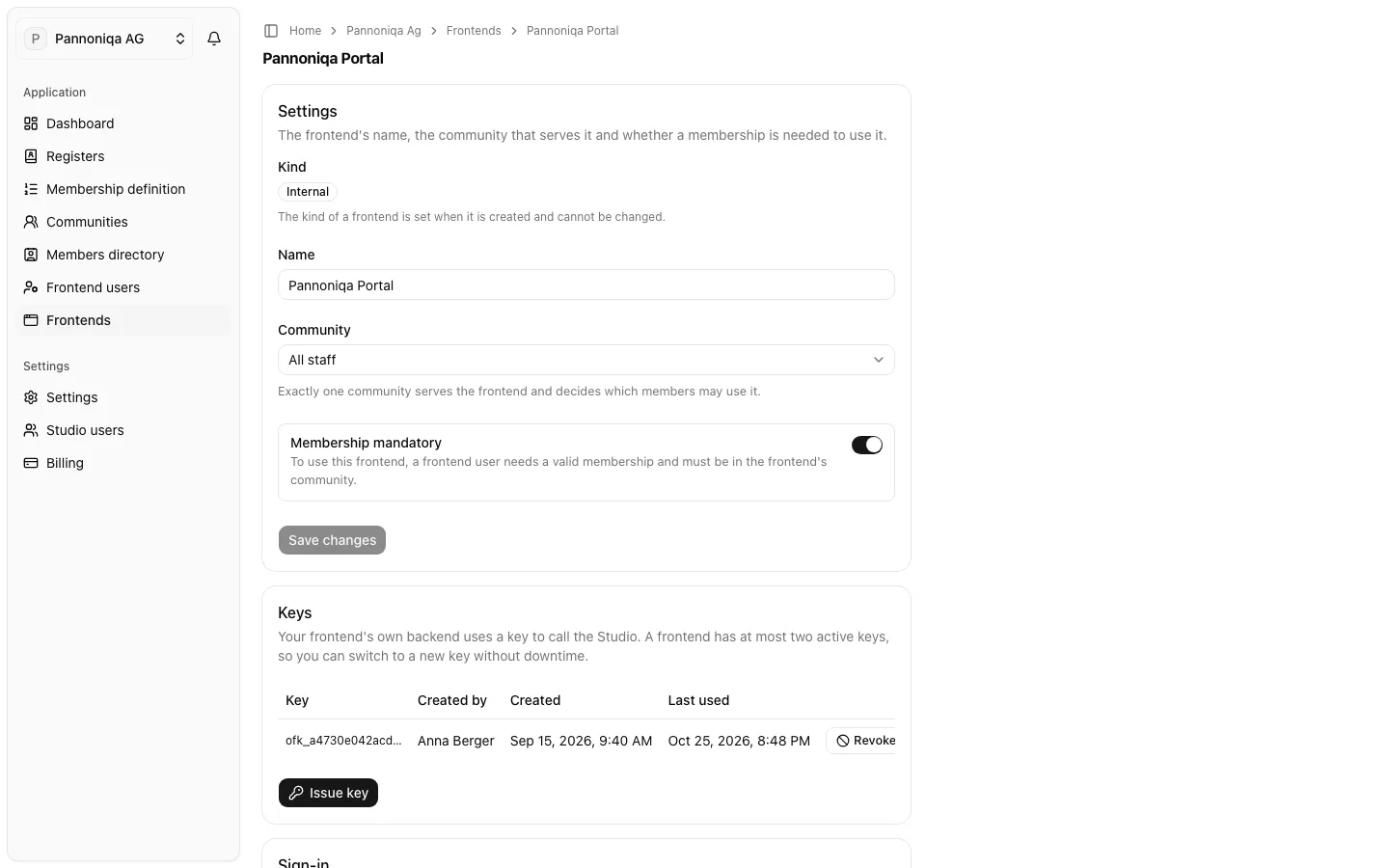
- Connect it as a frontend. You create the frontend, set it up for Login with appsolut and give its address. The Studio issues the credentials the Portal needs to sign people in and to ask the Studio about members.
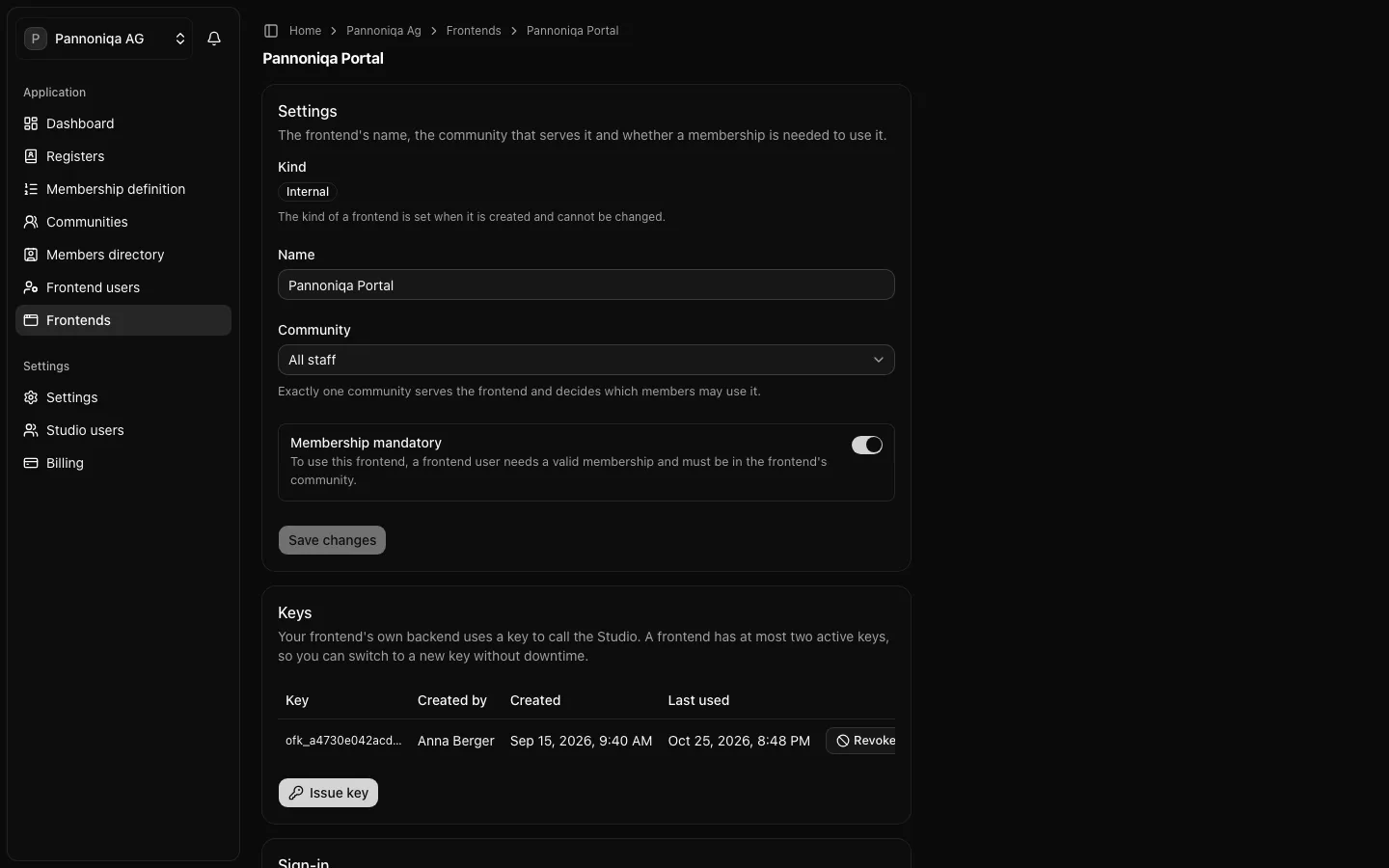
- Decide who may use it. Every frontend has exactly one community, and you decide whether a membership is mandatory. Together they decide which frontend users may use the Portal as members.
- Set up the sign-in. People sign in to the Portal on your organisation's sign-in screens, which the Studio serves. Their logo, colour and legal links are your organisation's sign-in branding.
Pannoniqa AG, for example, connects the "Pannoniqa Portal" as an internal frontend for its community "All staff", with membership mandatory.
Later, the Studio will also deploy the Portal, hold its environment and Licences, and monitor it. Until then, appsolut sets up the Portal's deployment for you.
In this section
The pages of this section describe each of these steps. They are published once Community Portals sign people in with Login with appsolut; until then, appsolut connects your Portal together with you.