Create, rename and delete a community
Add a community, change its name and description, and delete one no frontend uses.
Studio roles: "Owner", "Administrator" and "Community manager".
Create a community
- Open "Communities" and choose "New community".
- Enter the "Name", for example "Retirees".
- Optionally, enter a "Description": "Helps other Studio users see whom the community is for."
- Choose "Create community".
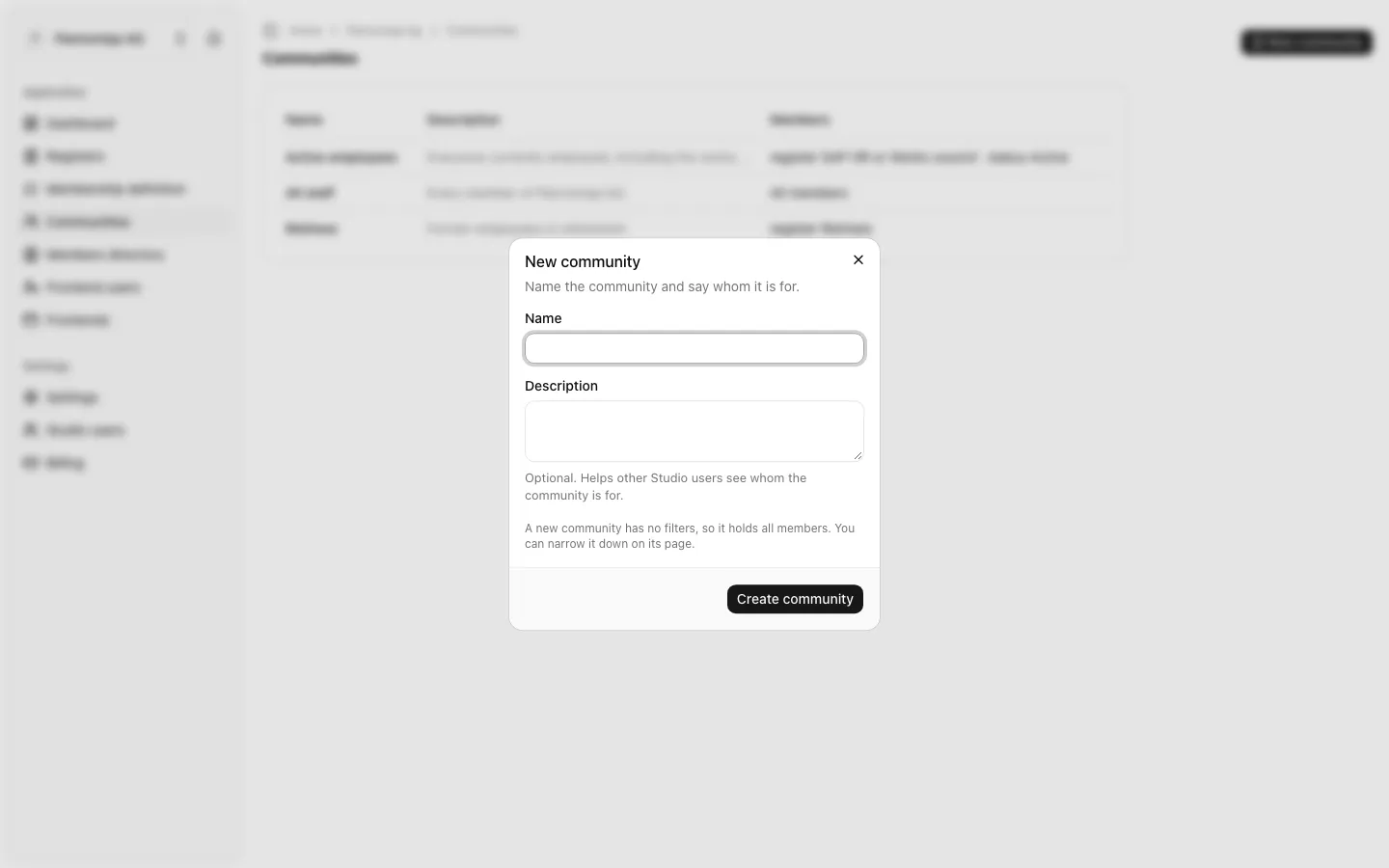
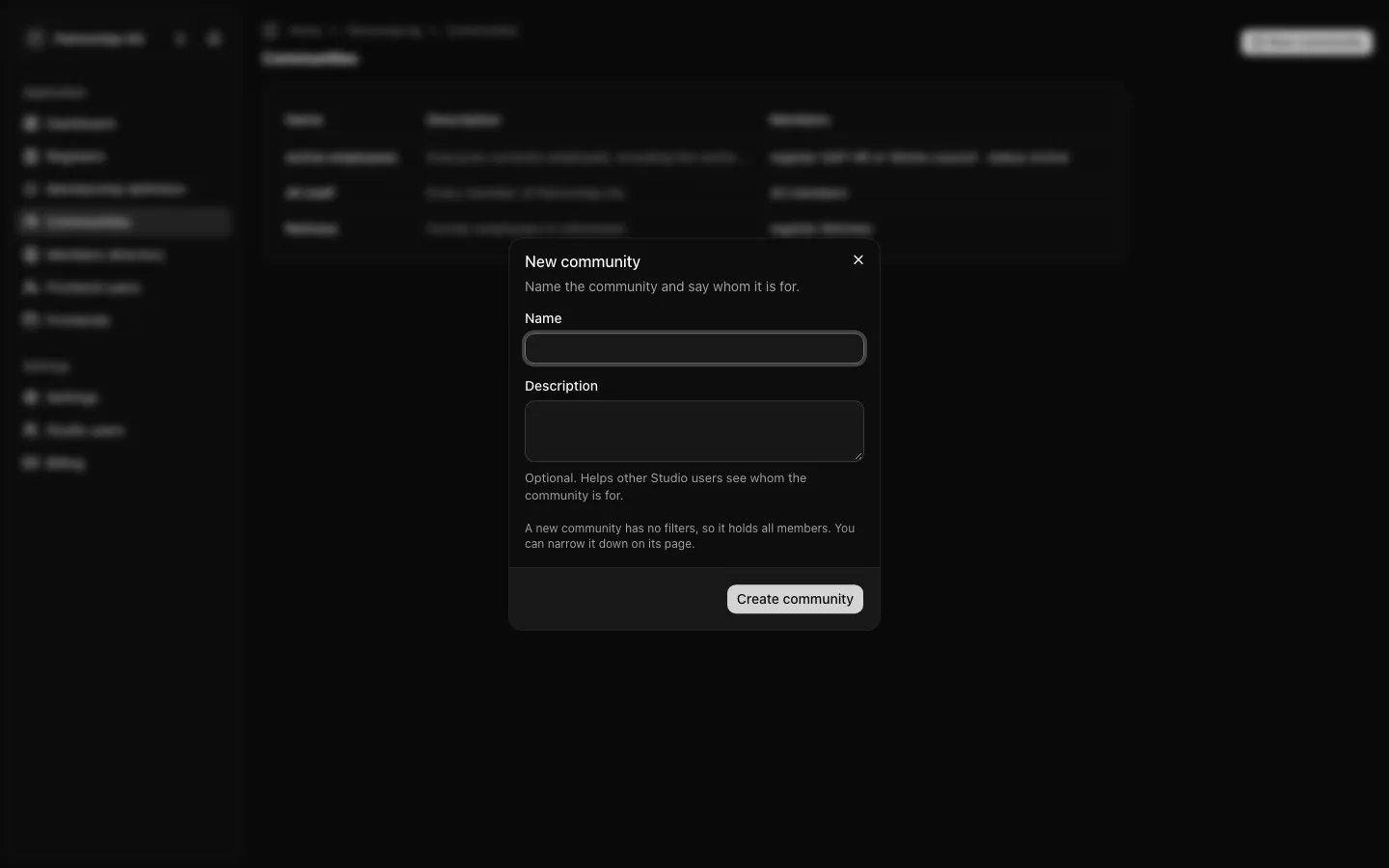
"A new community has no filters, so it holds all members. You can narrow it down on its page." See Filter by register, status, groups and claims. Two communities cannot have the same name.
A community serves no frontend until a frontend is given it. That is done on the frontend's page, under "Frontends", by a Studio user whose role may manage frontends.
Rename a community
- Open "Communities" and choose the community.
- Under "Settings", change the "Name" or the "Description".
- Choose "Save changes".
If another Studio user saved the community while you were editing, your changes are not saved: "Someone else saved in the meantime". Choose "Load current community" and make your changes again.
Delete a community
- Open the community.
- In the "Delete community" card, choose "Delete community".
- Confirm with "Delete community".
"Deleting a community cannot be undone. A community that serves a frontend cannot be deleted." If it still serves one, the Studio answers "This community serves a frontend": give each of its frontends another community first.
Deleting a community changes no organisation membership. Its members simply no longer belong to it.