Frontend users
The accounts people use to sign in to your organisation's frontends, and how you look after them.
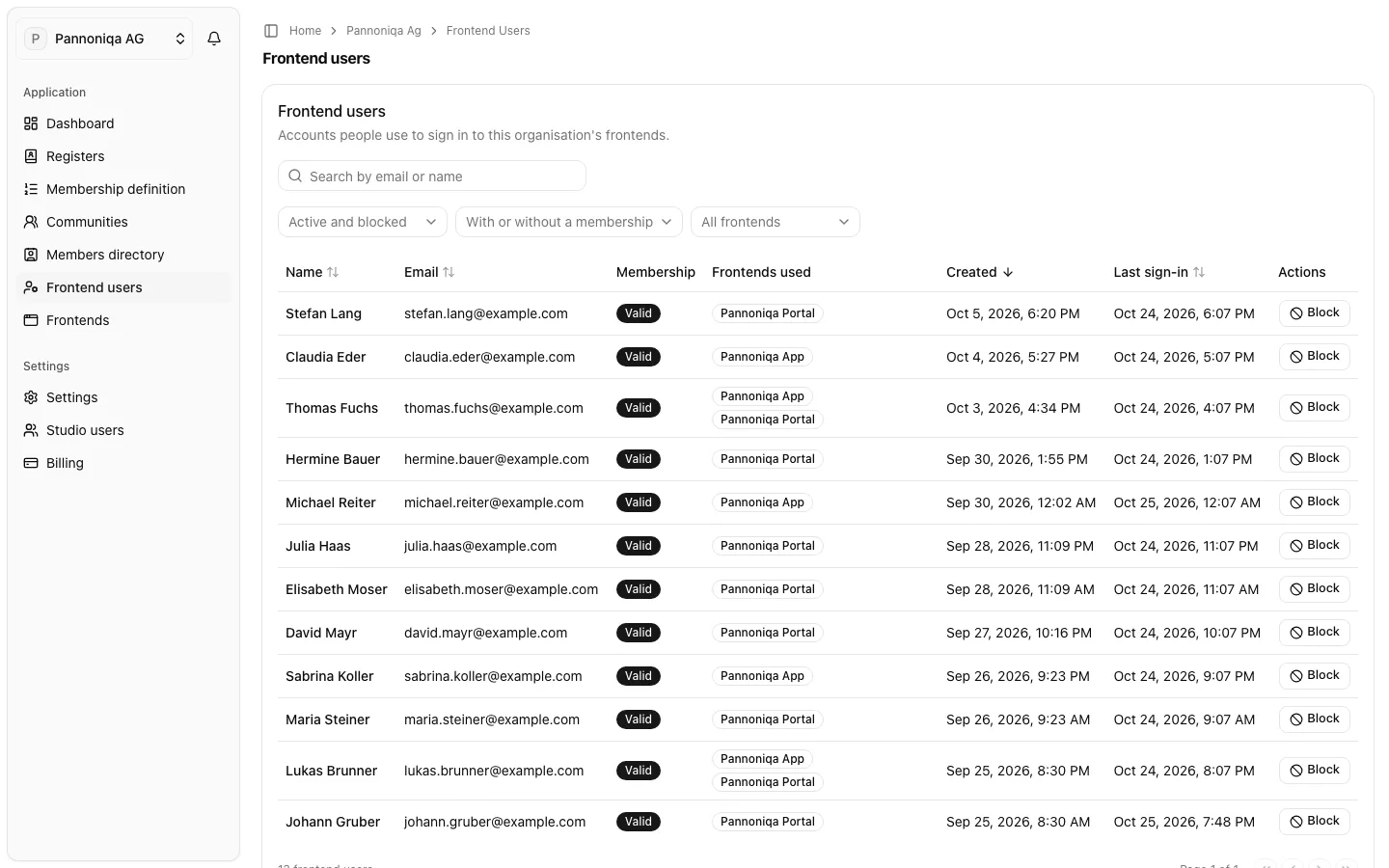
A frontend user is a person's account with your organisation, used to sign in to all of its frontends with Login with appsolut. Frontend users create their accounts themselves on the sign-in surface; they appear under "Frontend users" in the Studio as soon as they have signed up.
Frontend users, members and Studio users
- A frontend user is an account: an email address, a password and the person's own first and last name.
- A member is a frontend user who holds an organisation membership, because a membership check found them in your registers. A frontend user may have no membership at all, for example on a frontend without "Membership mandatory". The members directory lists the memberships, under the names the register gave.
- A Studio user administers the organisation in the Studio. A frontend user is never a Studio user, even with the same email address.
The same person at two organisations is two unrelated frontend users.
What you can do
- Find a frontend user by email or name, or by state, membership and frontend.
- See a frontend user's membership and activations: their profile, membership, the frontends they use, their recent sign-ins and what Studio users did with the account.
- Block a frontend user from all your frontends, and unblock them.
- Export a frontend user's data for a data access request.
- Disconnect a frontend, to shut one frontend off for everyone.
Who can do this
Studio roles: "Owner", "Administrator" and "Frontend user manager". Other Studio users do not see "Frontend users" in the sidebar. Disconnecting a frontend needs "Owner", "Administrator" or "Frontend manager" instead.
If you use multi-factor authentication, the frontend user pages need a session confirmed with your second factor.