Getting started
What the Studio is, and how to begin.
appsolut ONE is the enterprise community server. It has two parts: the Studio, its admin app, and the Community Portal, a customer-facing website your organisation connects to the Studio. This manual is about the Studio.
What the Studio does
In the Studio, an organisation decides who its members are and which of its apps they may use. Its Studio users:
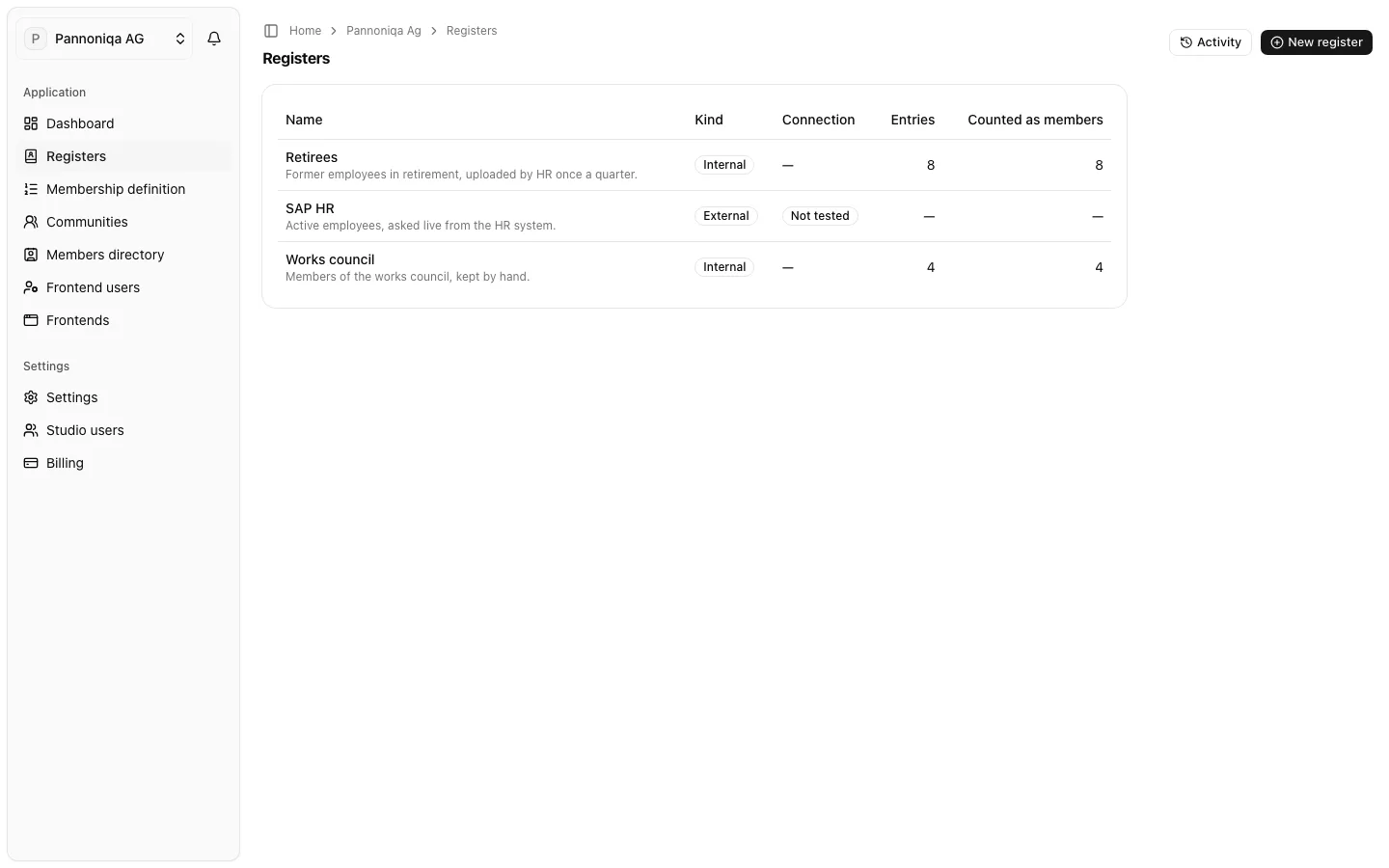
- keep the registers, the lists of people who may qualify as members, such as an export from the HR system or a list of retirees;
- set up the membership definition, the ordered rules that decide who becomes a member;
- create communities, named filters over the members, such as "Active employees" or "Retirees";
- connect frontends, the websites and apps the organisation's people sign in to with Login with appsolut.
When a person signs in to a frontend for the first time, the Studio checks them against the registers. If they pass, they become a member, and every frontend of the organisation knows which communities they belong to.
An example
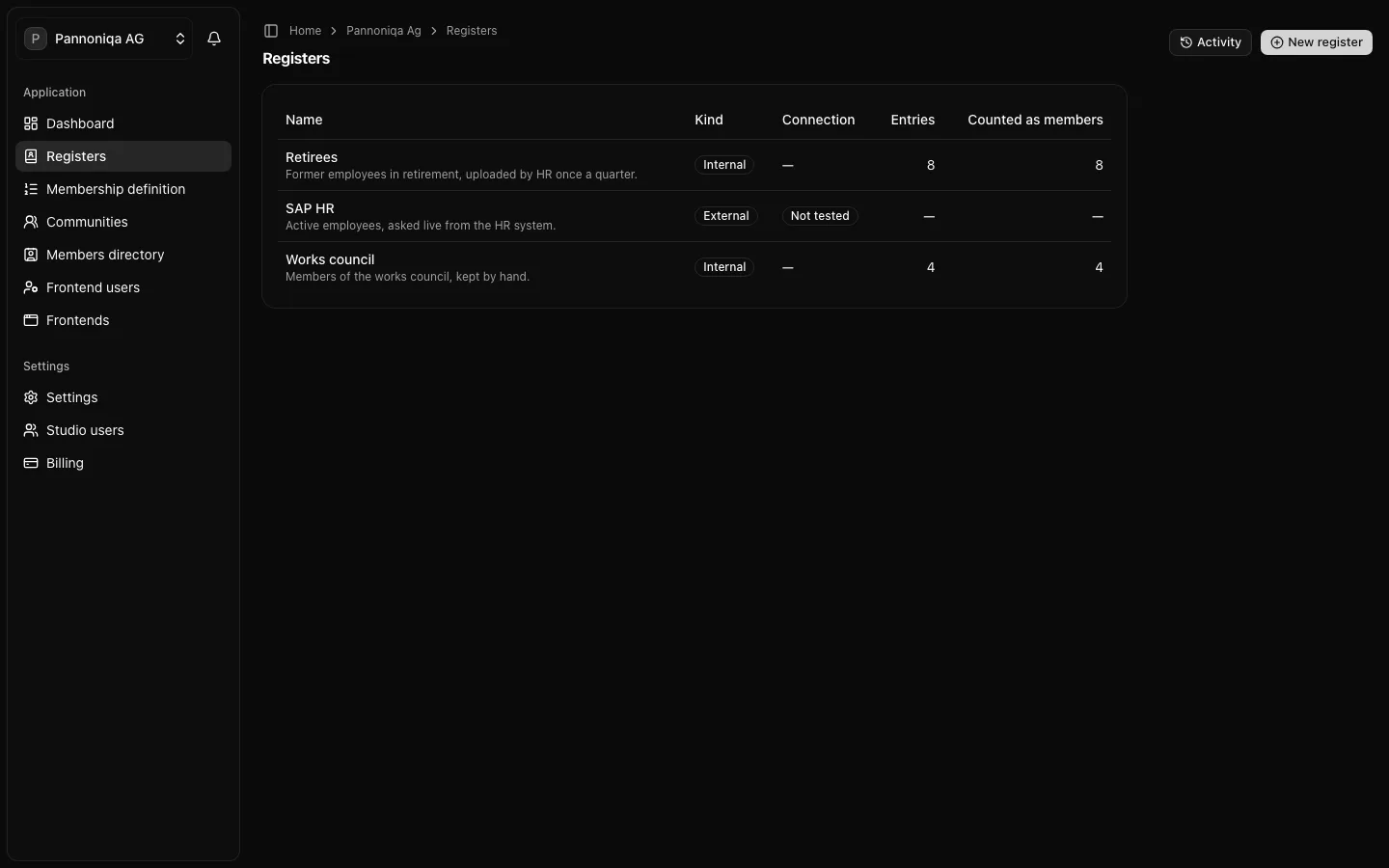
The examples in this manual use Pannoniqa AG, a fictional manufacturer. Pannoniqa connects its HR system as the external register "SAP HR" for active employees, and keeps two internal registers in the Studio: "Retirees" and "Works council". Its communities are "Active employees", "Retirees" and "All staff". The "Pannoniqa Portal", a Community Portal, serves all staff; the mobile "Pannoniqa App" serves active employees only.
In this section
- Key concepts: the terms the rest of the manual uses.
- Sign in: sign in to the Studio and accept an invitation.
- Create and switch organisations: set up your organisation and move between organisations.