Members directory
Your organisation's members: organisation memberships, their status, communities and holders.
Studio roles: "Owner", "Administrator" and "Community manager". The other Studio roles do not see "Members directory" in the sidebar.
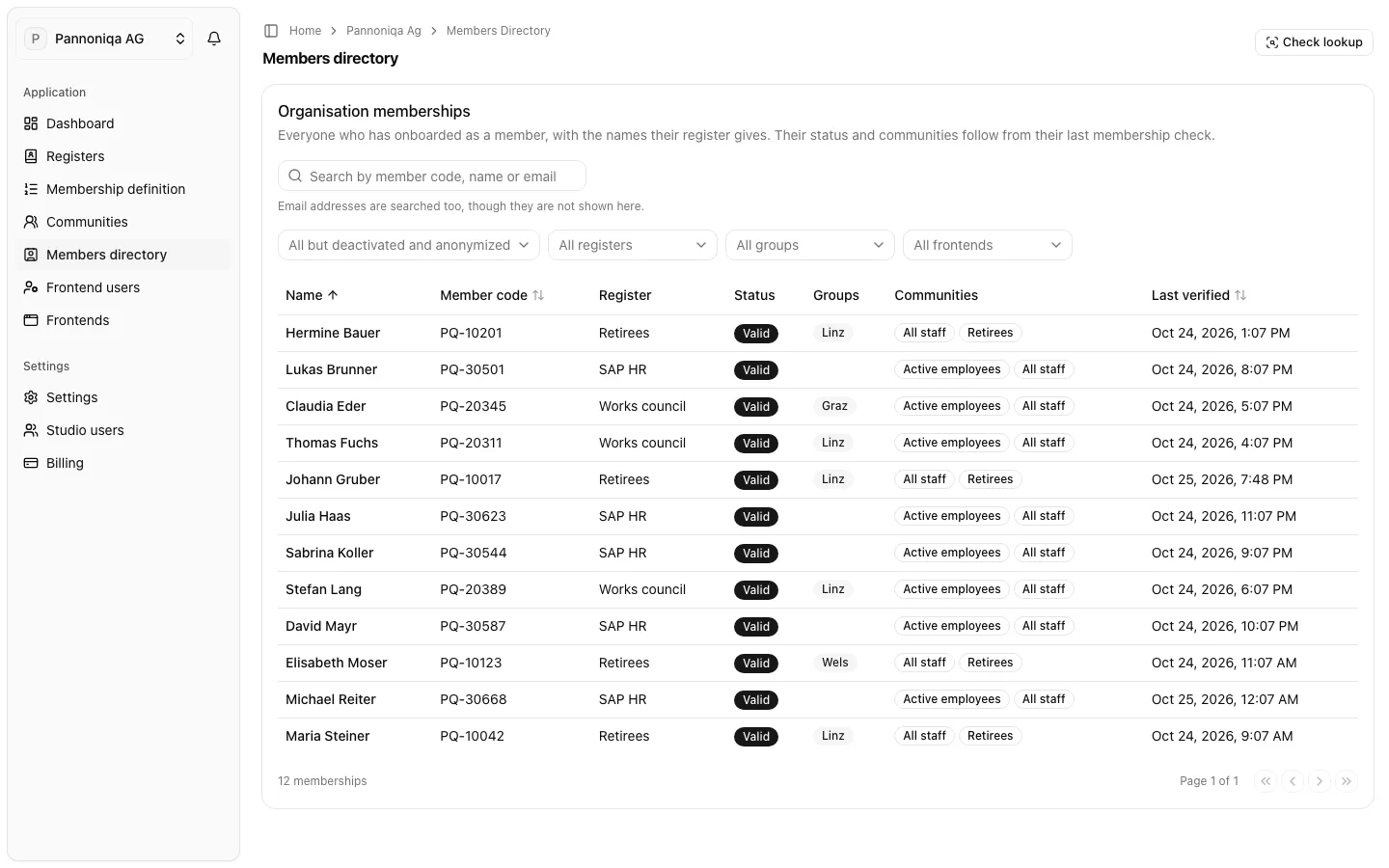
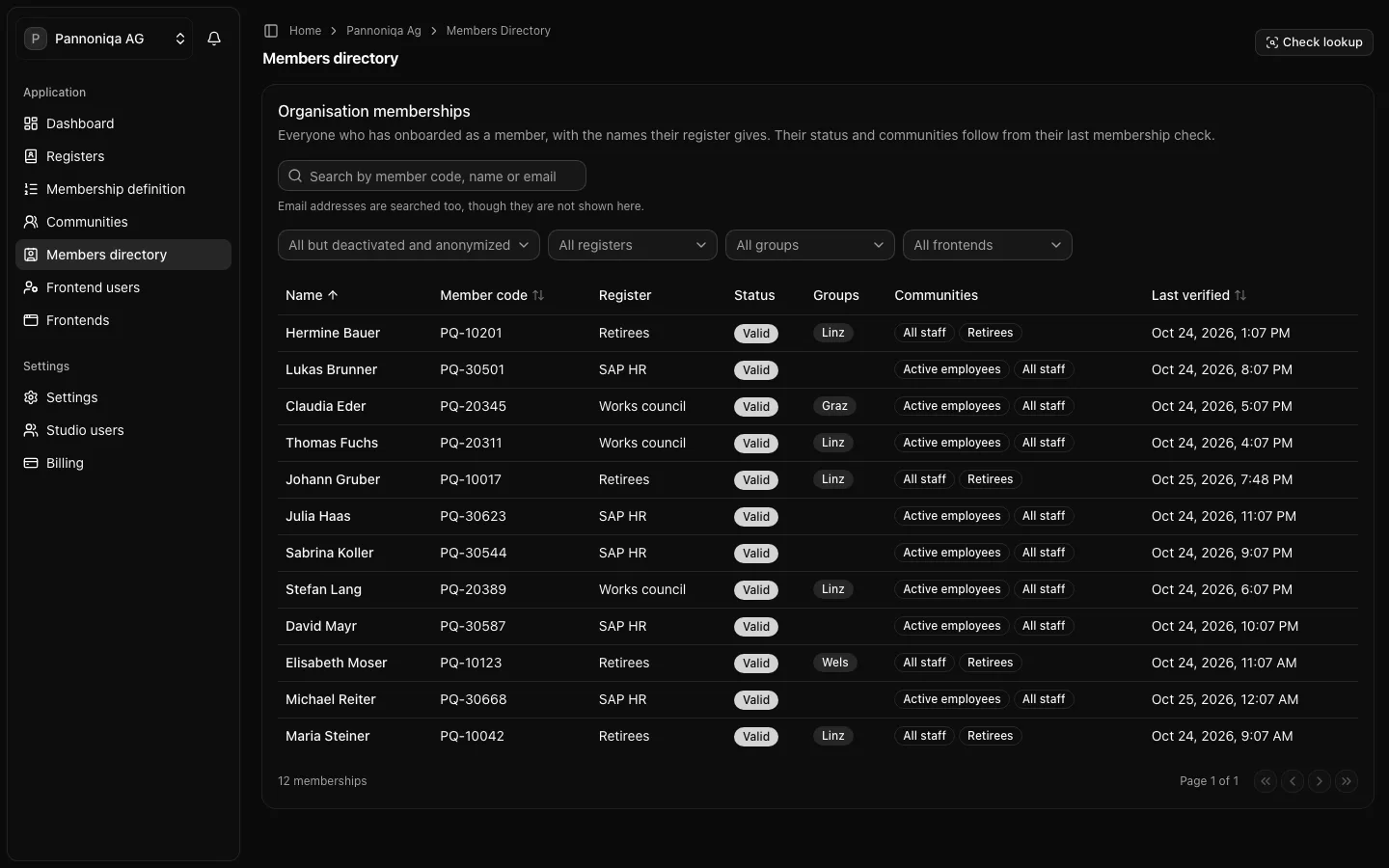
The members directory lists your organisation's members: "Everyone who has onboarded as a member, with the names their register gives. Their status and communities follow from their last membership check."
Organisation memberships
Each row is an organisation membership: the record that a member code belongs to a verified member of your organisation. "An organisation membership is created when someone onboards through Login with appsolut and a register confirms them."
- One per member code, one per person. A member code has at most one organisation membership, and a frontend user holds at most one.
- Names from the register. The directory shows the names the deciding register gives, never the names a person typed into their own account.
- A holder. The membership is held by one frontend user, the person's account for your frontends. If that account is deleted, the membership stays without a holder, and the next person to onboard with the member code takes it over.
Registers and memberships are separate: a person in a register is not a member until they onboard, and a membership stays after their entry is deactivated. It is then simply no longer valid.
Status
A membership's status follows from its last membership check:
- "Valid": the last check found the person eligible.
- "Valid, on grace": "The register could not answer at the last check; the last valid check counts for 7 days". See the grace rule.
- "Not valid": with the reason, for example "Not valid: not found" when no register finds the member code any more, "blocked" when a register refuses them, "filtered out" when a register finds them but none lets them in (it does not count their status, or its filters do not match), or "register unavailable, grace expired".
- "Deactivated": a Studio user switched the membership off. See Deactivate a membership.
- "Anonymized": everything that identifies the person was erased.
A membership that is not valid stays linked to its holder. The next valid check, at the person's next sign-in, makes it valid again.
Communities
The "Communities" column shows the communities a valid member belongs to. A community shown with a question mark is unknown: it needs a claim the membership has not stored yet. See Communities.
Relinks
A membership is linked to the register entry that last decided it. When another entry or another register decides at a login check, for example after Pannoniqa moved a works council member to "Retirees", the Studio relinks the membership on its own. The member's history shows "Relinked", marked "Automatic".