Save and version history
Publish the membership definition as a new version, and read the versions saved before.
Studio roles: "Owner", "Administrator" and "Community manager".
Save and publish
When your changes are ready, choose "Save and publish". "Saving publishes the definition at once as a new version." The page then shows the new version, for example "Version 3", with who saved it and when.
- "Discard changes" undoes everything since the last save.
- If you leave the page with unsaved changes, the Studio asks first, as the changes would be lost.
- If another Studio user saved in the meantime, nothing is saved: "Someone else saved in the meantime". Choose "Load the current version" and make your changes again.
The new version applies from each person's next membership check. It does not re-check anyone at once: a member's status and communities change at their next sign-in.
Version history
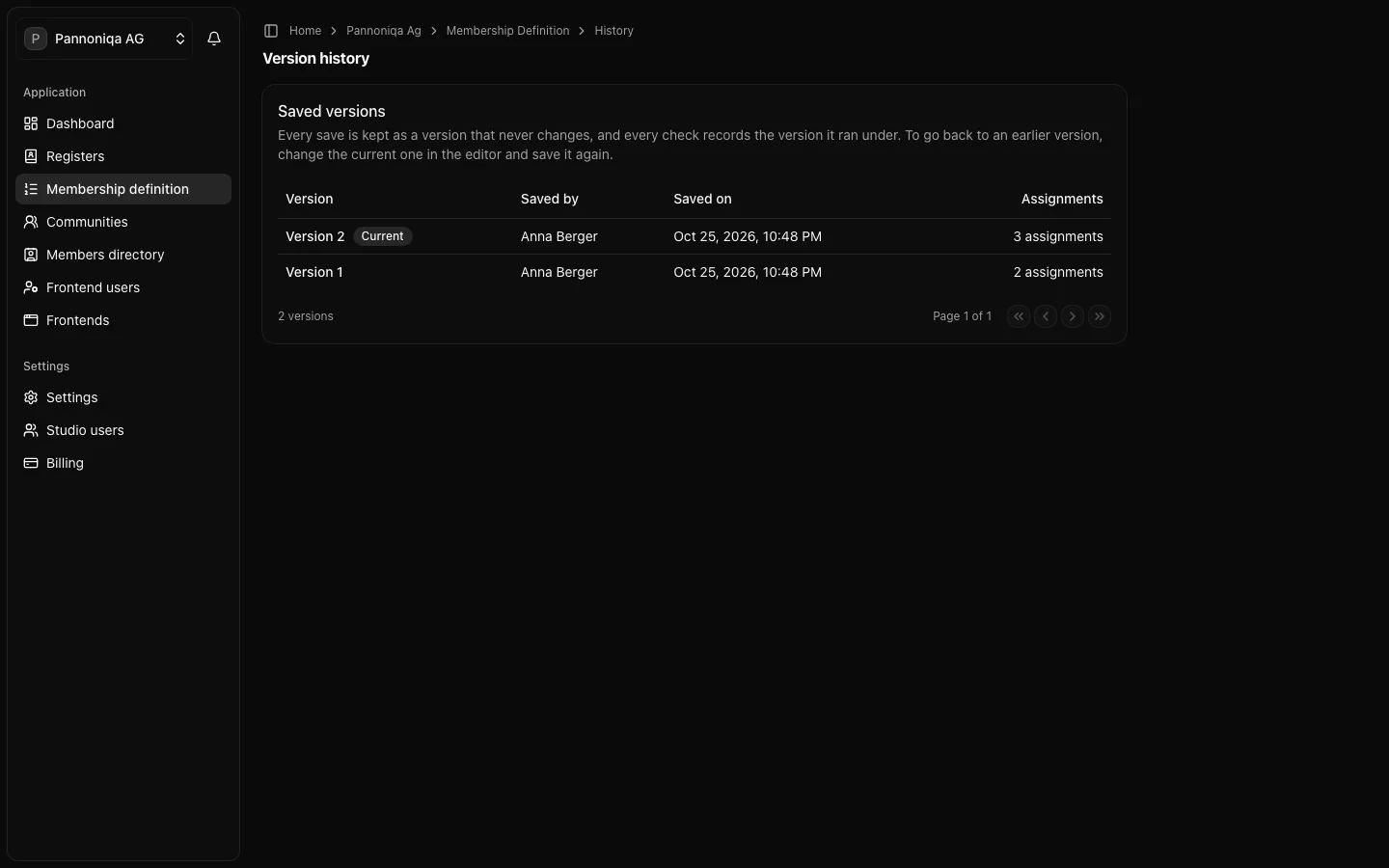
Choose "Version history" at the top of the editor. "Saved versions" lists every save with its "Version", "Saved by", "Saved on" and number of "Assignments"; the newest is marked "Current".
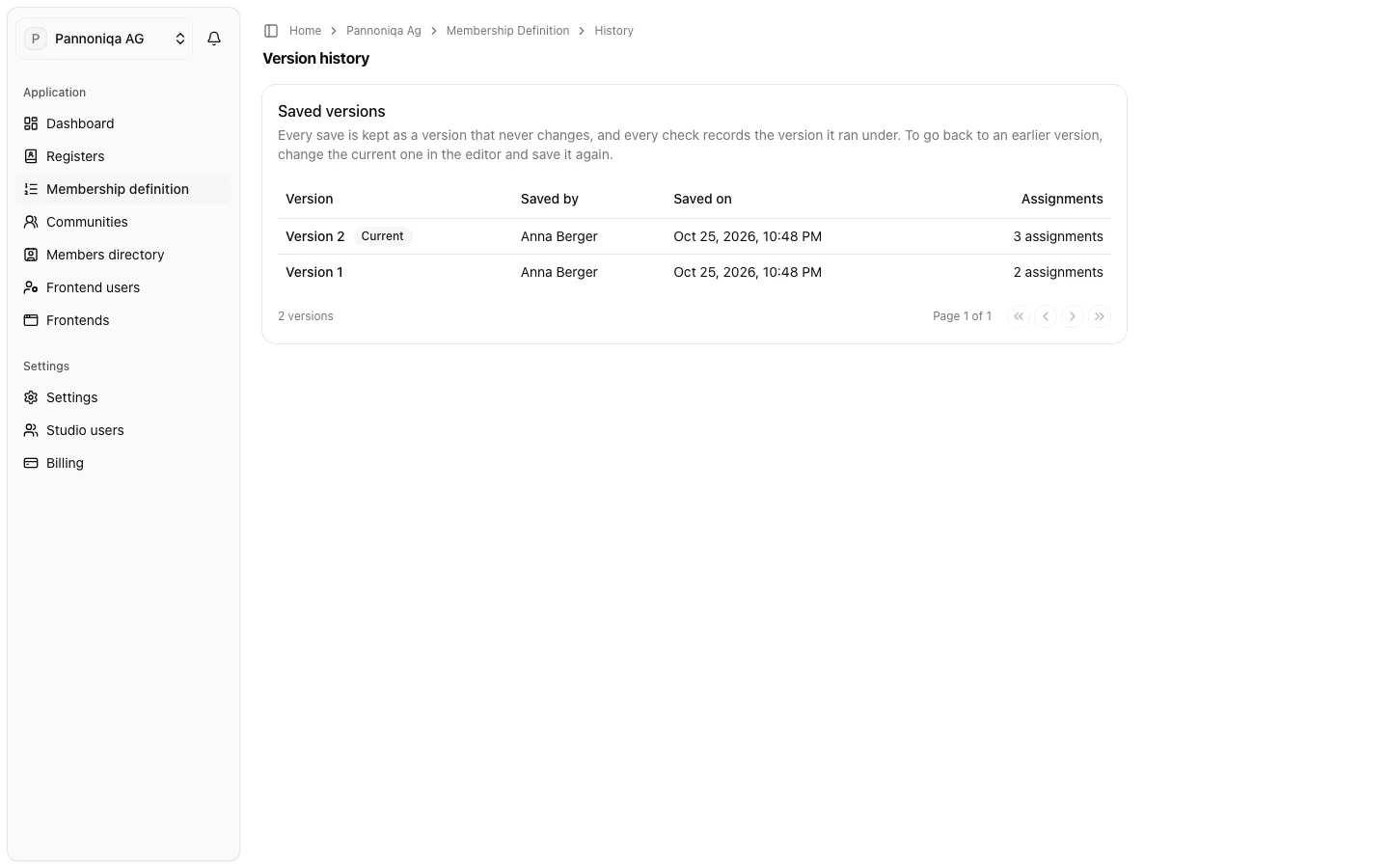
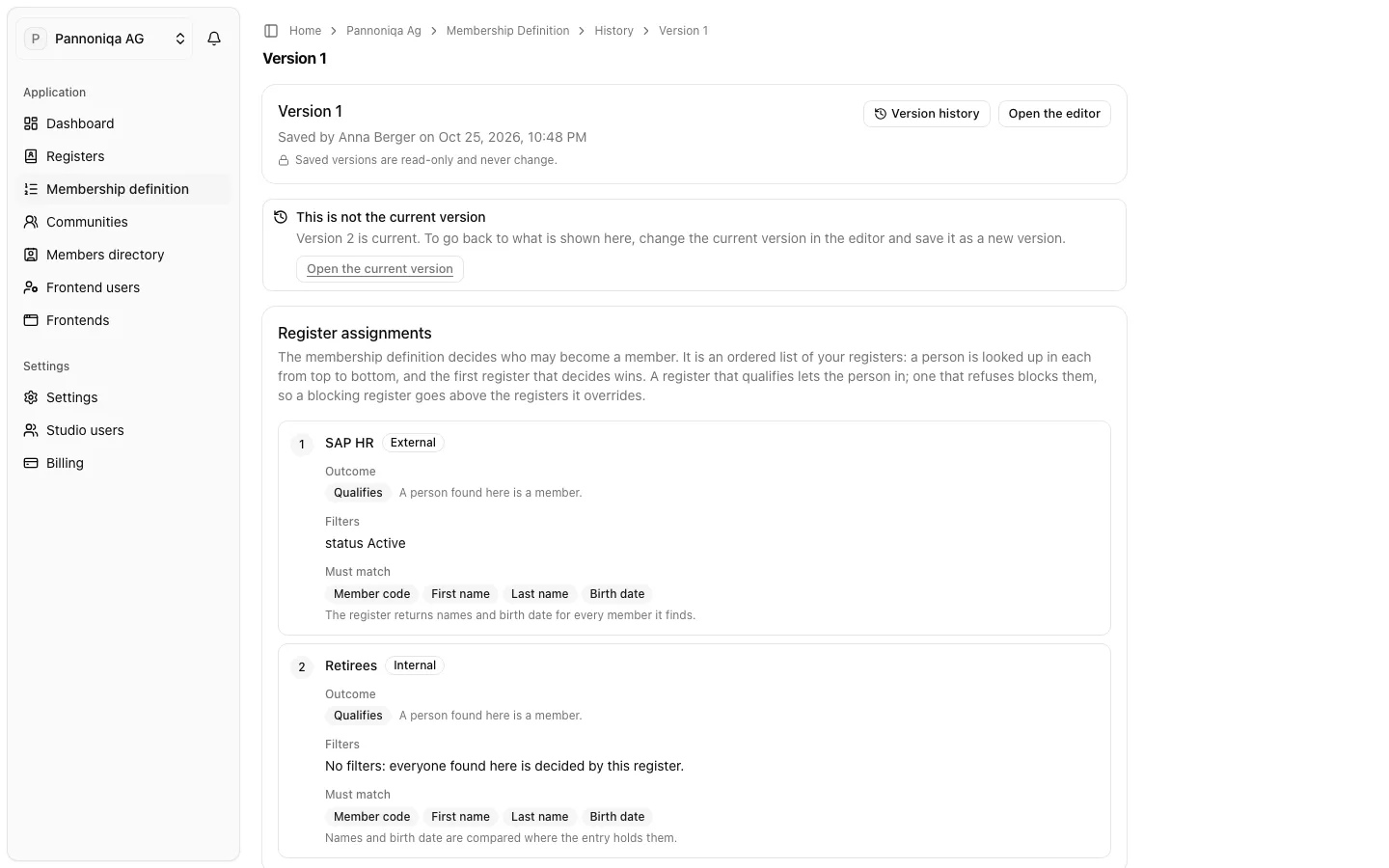
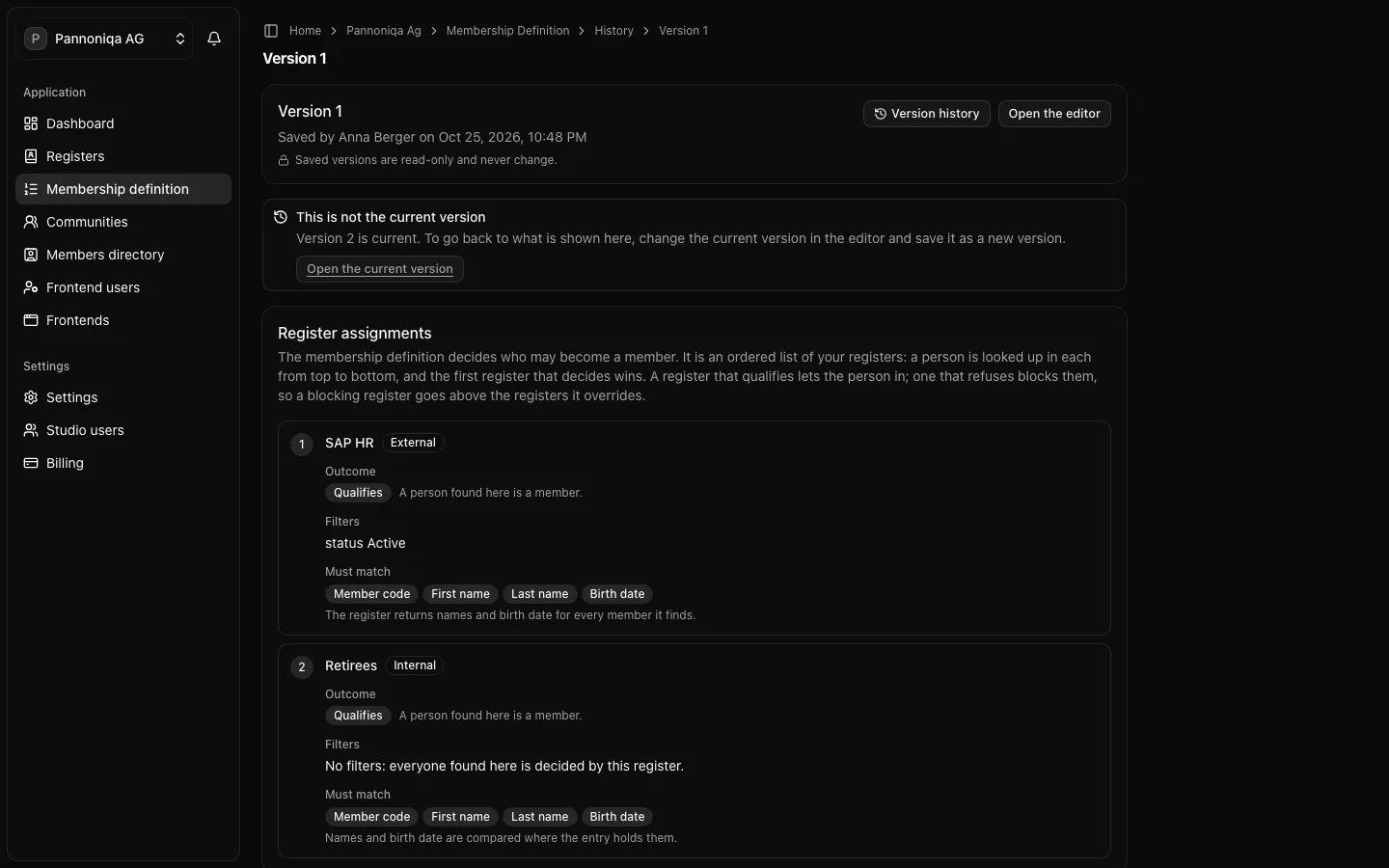
Open a version to see its register assignments as they were saved. "Saved versions are read-only and never change." A register renamed since shows its old name with "now called …"; a deleted one is "Deleted since this version was saved; shown by the name it had then."
Go back to an earlier version
A saved version cannot be restored directly. "To go back to an earlier version, change the current one in the editor and save it again." Open the old version beside the editor and repeat its register assignments, then choose "Save and publish". The result is a new version.
Every check records the version it ran under. The check lookup shows it in the "Definition" column, and a member's page under "Definition of the last check".