Connect and test an external register
Connect a register in your own system through the appsolut register API, and test the connection.
Studio roles: "Owner", "Administrator" and "Community manager".
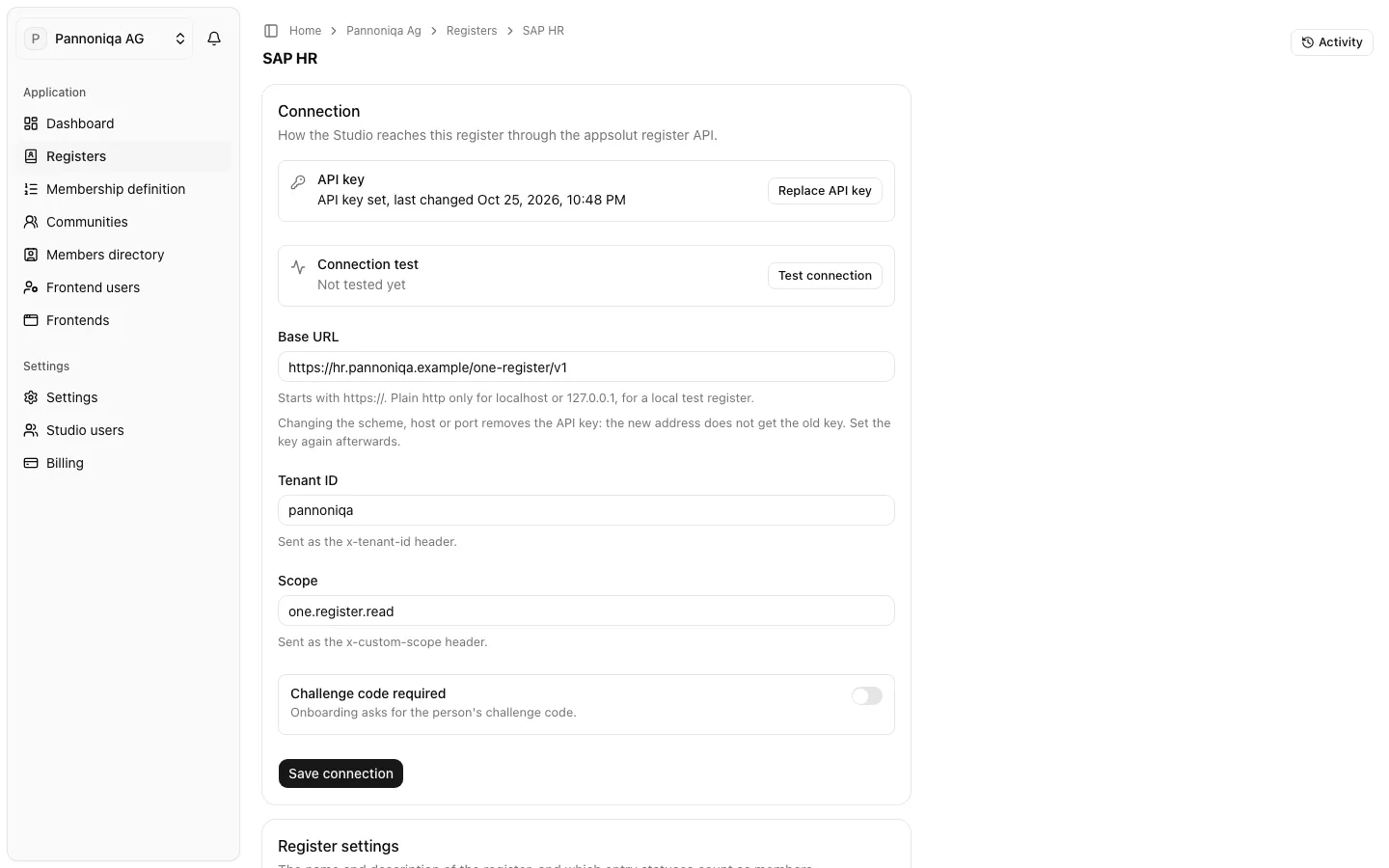
An external register stays in your own system, such as Pannoniqa's HR system "SAP HR". The Studio asks it live, through the appsolut register API, whenever a membership check needs it. Your IT exposes that API in front of the system; the developer documentation describes it.
Connect the register
You enter the connection when you create the register with the kind "External":
- "Base URL": where the API answers, for example
https://hr.pannoniqa.example/one-register/v1. "Starts with https://. Plain http only for localhost or 127.0.0.1, for a local test register." - "Tenant ID": "Sent as the x-tenant-id header."
- "Scope": "Sent as the x-custom-scope header."
- "Challenge code required": "Onboarding asks for the person's challenge code." It is on unless you switch it off. See Challenge codes.
- "API key": "Sent as the x-api-key header. It is stored encrypted and can never be shown again, only replaced."
Your IT gives you these values.
Change the connection
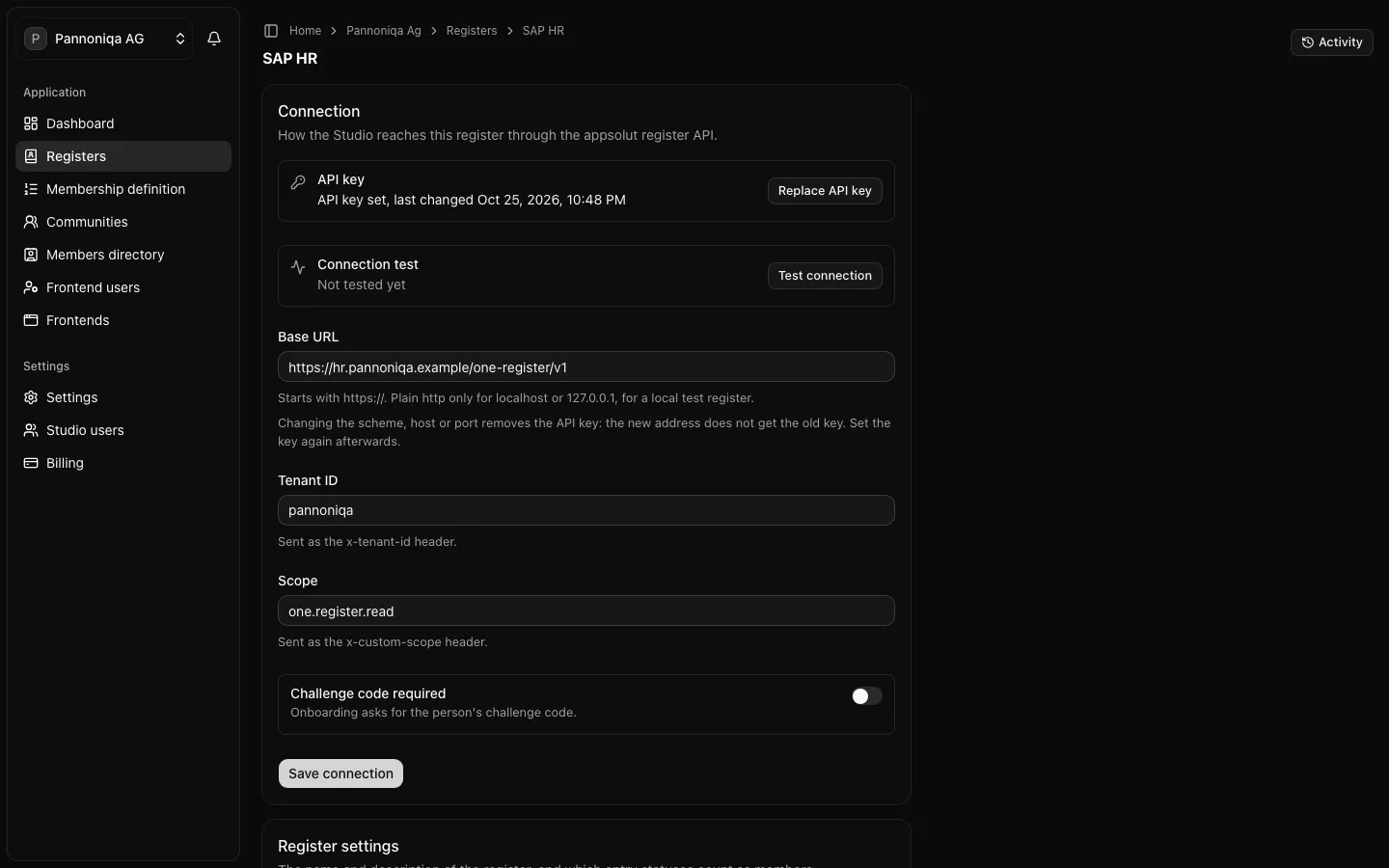
Open the register. Its "Connection" card shows the API key's state and the connection test, followed by the fields above.
- Change the "Base URL", "Tenant ID", "Scope" or "Challenge code required" and choose "Save connection". "Changing the scheme, host or port removes the API key: the new address does not get the old key. Set the key again afterwards."
- To change the key, choose "Replace API key" (or "Set API key" when none is set), enter the "New API key" and choose "Save API key". "The new key takes effect at once and the old one is discarded."
Test the connection
- In the "Connection" card, choose "Test connection".
- Optionally enter a "Test member code (optional)", such as a colleague's member code, to look one person up.
- Choose "Run test".
The test "Asks the register whether it answers (GetHealth), looks up the test member code if you enter one (GetDataByCode), and checks whether it supports GetAllMembers." It shows how long the register took to answer and, for a test member code, which person data came back. "The person data shown here is not stored."
The result sets the connection's state, which the "Registers" page shows under "Connection": "Not tested", "Connected" or "Unavailable". If the register cannot be reached, the test names the cause, for example "no answer within 5 seconds" or "credentials rejected (HTTP 401)".
Test again after every change to the connection, and whenever members report that they cannot sign in: while an external register is unavailable, members rely on the grace rule.
What the Studio asks
The Studio asks an external register only what a check needs: whether a member code exists, with the person's status, names and birth date, and the claims a filter uses. It stores no birth date or address from it: only the person's names, status and claims, with their organisation membership. Everyone found in the register carries the register's groups.