Organisation settings
Your organisation's profile, its Studio users and their roles, billing, and the roadmap.
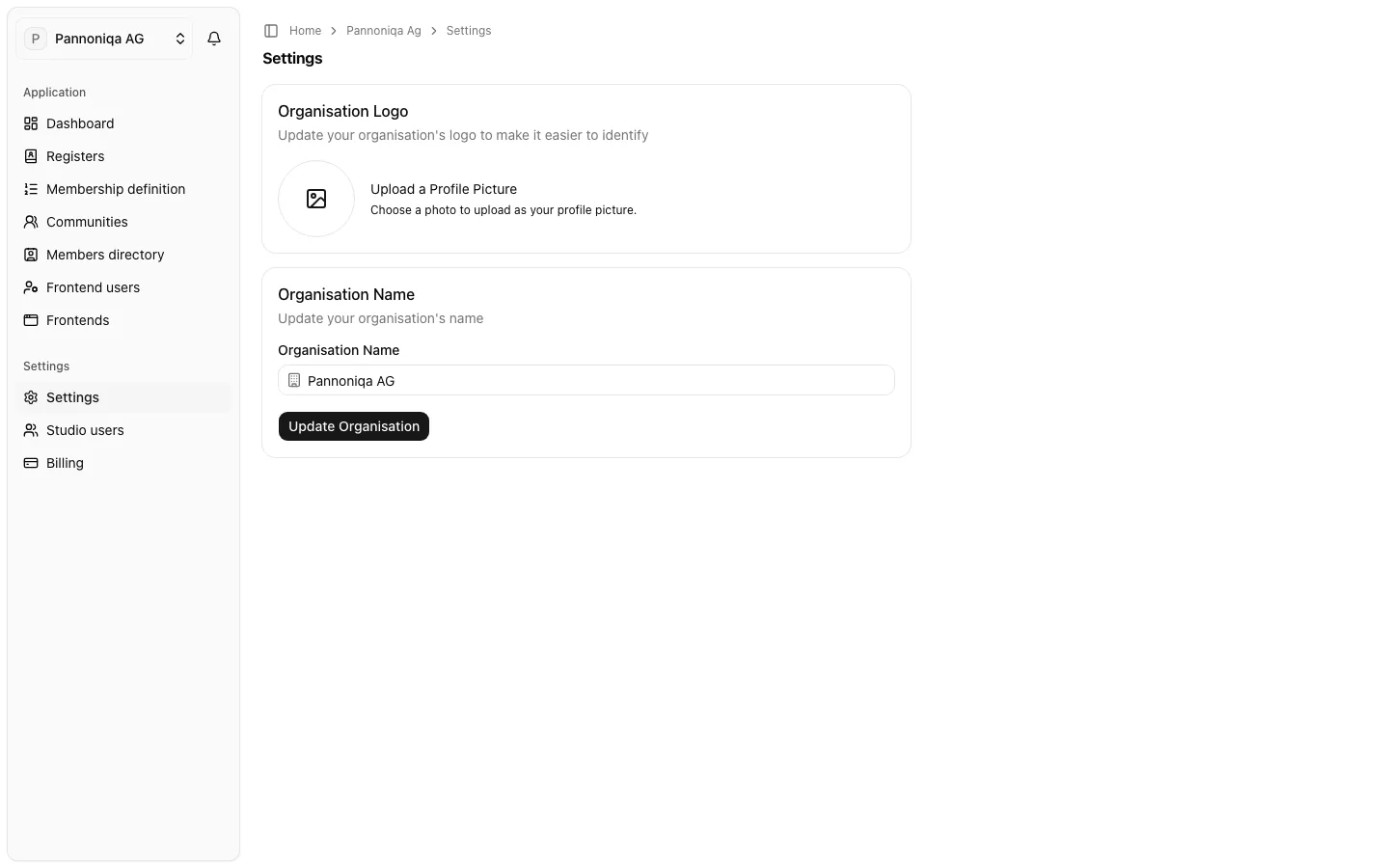
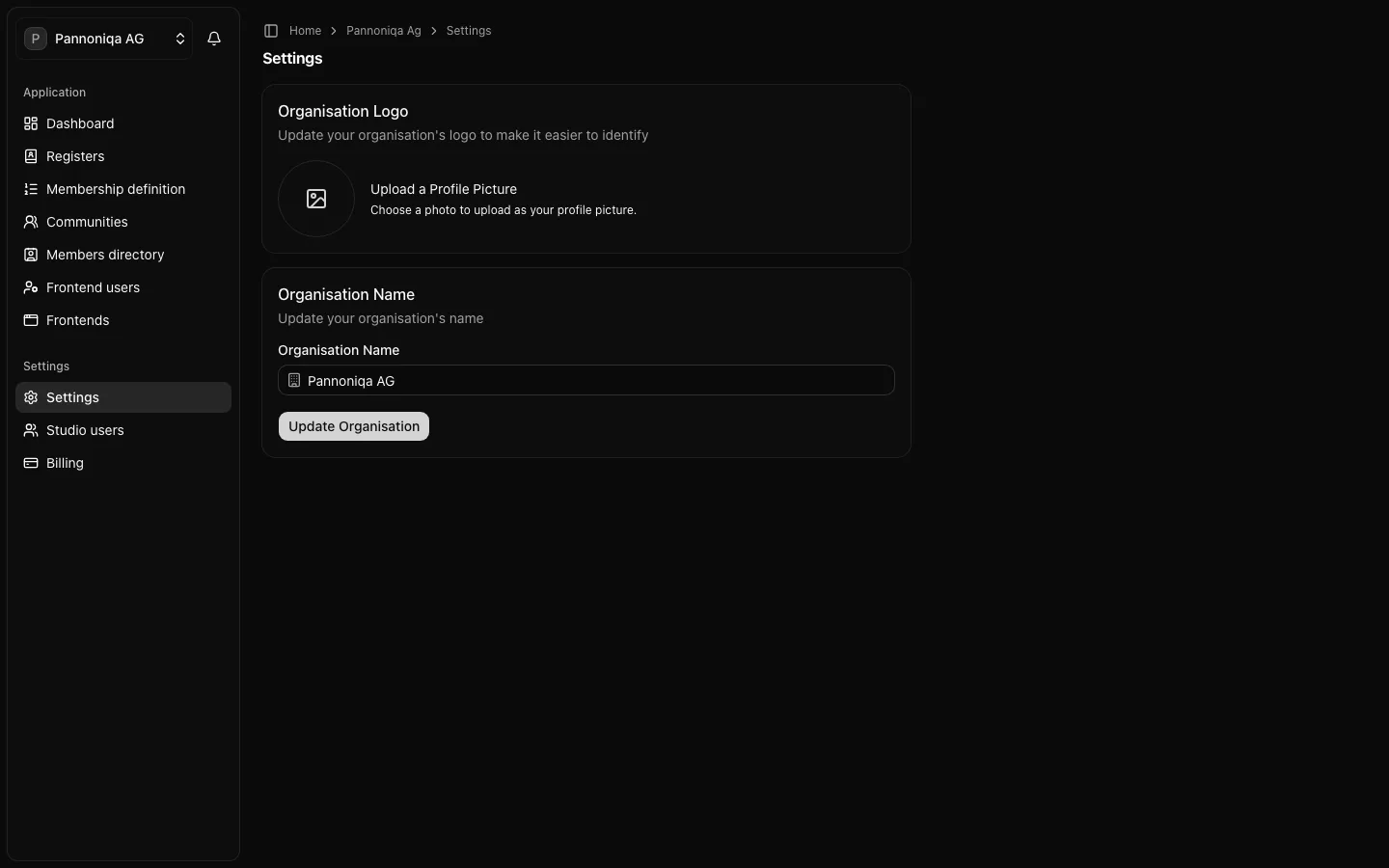
The lower part of the sidebar, "Settings", holds what concerns the organisation itself rather than its members and frontends:
- "Settings": the organisation's name, address in the Studio and logo, and leaving the organisation. Every Studio user sees it; only an "Owner" changes it.
- "Studio users": the Studio users of the organisation, their Studio roles and the pending invitations. Every Studio user sees the list.
- "Billing": the organisation's plan and payment details. Only an "Owner" sees it.
The roadmap, where Studio users propose features and vote on them, is linked in the site's menu.
In this section
- Organisation profile: change the name, address and logo, or leave the organisation.
- Studio users and roles: what each Studio role may do, invite Studio users, change roles and remove Studio users.
- Billing: choose a plan and manage payment details.
- Roadmap and feature requests: propose a feature, report a bug and vote.
Your own account, such as your name, password and multi-factor authentication, is in your personal account settings, see Sign in.